
Looking for the best platforms for selling digital products without giving away a big chunk of your sales? I’ve been there. You can have a great ebook, course, template, or guide ready to sell, then get stuck choosing between dozens of platforms. It’s frustrating.
Here’s the thing: the platform you choose can affect your fees, checkout, marketing, and how easily you grow. Some are perfect for beginners. Others are built for courses, sales funnels, or social media creators.
So, I’ve compared 13 popular options, including Gumroad, ThriveCart, Systeme.io, Podia, Payhip, and more. Let’s find the one that fits what you’re selling and how you want to grow.
Short on Time?
Don’t have time to compare all 13 platforms?
Start with ThriveCart or Systeme.io.
Choose ThriveCart if you want powerful checkout pages, upsells, order bumps, and sales funnels to help you sell more.
Choose Systeme.io if you want everything in one place. It includes funnels, email marketing, courses, memberships, websites, automation, and digital product sales.
13 Best Platforms for Selling Digital Products at a Glance
| Platform | Best For | Key Product Types | Starting Price |
|---|---|---|---|
| ThriveCart | Sales funnels, checkout optimization, upsells | Courses, ebooks, memberships, coaching, digital products | $47/mo |
| Gumroad | Beginners and creators who want simplicity | Ebooks, templates, courses, memberships, software | Free |
| Systeme.io | All-in-one funnels, email, and digital selling | Courses, ebooks, memberships, coaching, digital products | Free |
| Podia | Courses, coaching, memberships, and multiple product types | Courses, downloads, coaching, memberships, events | $42/mo |
| Payhip | Beginners and low-cost digital selling | Ebooks, templates, courses, memberships, coaching | Free |
| Easytools | Creators who want products, funnels, and marketing tools | Courses, digital products, coaching, memberships | Free |
| Teachable | Online courses and educational products | Courses, downloads, coaching, memberships | $39/mo |
| Thinkific | Course creators and online education businesses | Courses, communities, memberships, coaching | $54/mo |
| Sellfy | Digital products plus physical products or merch | Downloads, subscriptions, print-on-demand, physical products | $29/mo |
| SamCart | High-converting checkout, upsells, and sales funnels | Courses, digital products, subscriptions, memberships | $79/mo |
| Stan Store | Social media creators and personal brands | Digital products, courses, coaching, memberships | $29/mo |
| Beacons AI | Creators selling through social media | Digital products, courses, memberships, downloads | Free |
| SendOwl | Secure digital delivery and existing websites | Ebooks, software, courses, memberships, downloads | $39/mo |
1. ThriveCart
If you’re serious about turning more visitors into buyers, ThriveCart takes a different approach from a simple digital storefront. Instead of focusing mainly on where you host your products, it puts a lot of attention on the checkout and sales process.
That makes it especially interesting if you already have an audience or traffic and want to get more revenue from each customer.
ThriveCart is a checkout and sales platform designed for digital product businesses. You can use it to sell courses, ebooks, memberships, coaching programs, software, and other digital offers.
The big attraction is its focus on increasing the value of each sale. For example, you can offer an extra product at checkout, present an upsell after someone purchases, or create payment plans for higher-priced products.
Think of it like a salesperson standing beside your checkout page. Instead of simply saying, “Thanks for buying,” ThriveCart gives you tools to make a relevant additional offer while the customer is already in buying mode.
Key Features
ThriveCart includes tools such as:
- Customizable checkout pages
- Order bumps
- One-click upsells and downsells
- Subscription and payment-plan options
- Affiliate management
- Sales funnels
- Customer management
- Conversion tracking
- Integrations with other marketing and course platforms
- A/B testing and conversion-focused tools
These features make ThriveCart more than a basic “upload your PDF and sell it” platform. It’s built around improving the entire path from product discovery to purchase and repeat sales.
ThriveCart Pricing
Monthly Plans (Bundled with ThriveCart Academy)
All monthly plans feature a 30-day free trial and include 0% platform transaction fees (standard payment processor fees from Stripe or PayPal still apply).
Standard Plan: Costs $47/month (or $37/month if billed annually). Includes core checkout pages, unlimited products, sales funnels, upsells, cart recovery, and course/community hosting.
Pro+ Plan: Costs $87/month (or $67/month if billed annually). Adds advanced affiliate management, subscription dunning, automated sales tax calculation, custom domains, and multi-user permissions.
Enterprise: Custom pricing tailored for high-volume users needing dedicated account management and custom platform migration.
Best For
ThriveCart is a strong fit for:
- Course creators
- Coaches
- Digital-product businesses
- Marketers using sales funnels
- Sellers with an existing audience or traffic source
- Businesses that want upsells, order bumps, and payment plans
If you’re selling your first $9 ebook and have no audience yet, ThriveCart may offer more sales machinery than you need. But if you’re building a business around higher-value offers and want to squeeze more revenue from every customer, its checkout-focused approach becomes much more relevant.
2. Gumroad
Want to sell your first digital product without spending hours setting up a complicated online store? That’s where Gumroad shines.
Overview
Gumroad is a simple platform that lets creators sell digital products directly to their audience. You can upload a product, set your price, customize the sales page, and start accepting payments without building a full ecommerce website from scratch.
You can sell things like ebooks, templates, courses, tutorials, music, artwork, software, and memberships.
The biggest appeal is simplicity. Gumroad feels more like setting up a digital product shelf than building an entire online store. That makes it popular with writers, designers, artists, developers, and other independent creators who want to spend more time making products and less time wrestling with technology.
It can also handle payments and digital delivery, so customers can access their purchases after checkout.
Key Features
Gumroad offers features such as:
- Digital product sales
- Custom product pages
- Automatic digital delivery
- Memberships and subscriptions
- Product bundles
- Discount codes
- Customer management
- Email updates
- Payment processing
- Creator storefronts
- Tax handling
You can also sell multiple products from the same Gumroad profile, making it easy to build a small product catalog as your business grows.
Pricing
Gumroad doesn’t have traditional monthly pricing plans. Instead, you pay when you make a sale.
- Direct/profile sales: 10% + $0.50 per transaction
- Gumroad Discover sales: 30% per transaction
- High-volume discount: Once you reach $20,000 in paid sales during a calendar month, new direct sales that month are charged at 5% + $0.50 per transaction.
- Monthly subscription: $0
The trade-off is worth watching closely: percentage-based fees can become more noticeable as your revenue grows. Payment-processing and other applicable fees should also be considered when calculating your actual profit.
Best For
Gumroad is a good fit for:
- First-time digital-product sellers
- Writers selling ebooks
- Designers selling templates
- Artists selling digital artwork
- Developers selling software or files
- Creators selling memberships
- Anyone who wants a simple way to start selling
If you want advanced sales funnels, sophisticated upsells, or a highly customized ecommerce operation, you may eventually outgrow Gumroad. But if your main goal is simple — create a product, put it up for sale, and get paid — Gumroad keeps the process remarkably straightforward.
Related Post: 11 Best Gumroad Alternatives for Creators in 2025 (Free & Paid)
3. Systeme.io
What if you could sell digital products, build sales funnels, send emails, host courses, and manage your audience without paying for five different tools? That’s the idea behind Systeme.io.
Systeme.io is an all-in-one online business platform built for creators, coaches, course sellers, and entrepreneurs. Rather than focusing on just one part of selling, it brings your sales funnels, email marketing, website, courses, memberships, affiliate program, and digital store into one platform.
That can be a big deal when you’re starting out. Instead of connecting a checkout tool to an email platform, then adding a course platform and another tool for your sales funnel, you can handle many of those jobs from the same dashboard.
You can use Systeme.io to sell ebooks, templates, courses, memberships, coaching programs, and physical products. It also supports features such as link-in-bio pages, blogs, webinars, and marketing automation.
Key Features
Systeme.io includes:
- Sales funnels and landing pages
- Email marketing and automation
- Online course hosting
- Digital and physical product sales
- Membership sites and communities
- Affiliate program management
- One-click upsells
- Order bumps
- Coupons and promotions
- A/B testing
- Website and blog builder
- Custom domains
- Booking calendar
- Webinars
- Multiple payment integrations
- Unlimited file storage
- Unlimited email sending
One particularly useful feature is that all plans have 0% Systeme.io transaction fees. You still pay the normal fees charged by your payment processor, such as Stripe or PayPal.
Pricing
Systeme.io currently has four main plans:
| Plan | Monthly Price | Contacts | Sales Funnels | Courses |
|---|---|---|---|---|
| Free | $0/month | 2,000 | 3 | 1 |
| Startup | $17/month | 5,000 | 10 | 5 |
| Webinar | $47/month | 10,000 | 50 | 20 |
| Unlimited | $97/month | Unlimited | Unlimited | Unlimited |
The Free plan is available permanently and doesn’t require a credit card. All plans include unlimited email sending, unlimited file storage, unlimited students, affiliate-program functionality, and 0% platform transaction fees.
Best For
Systeme.io is particularly useful for:
- Course creators
- Coaches and consultants
- Solopreneurs
- Affiliate marketers
- Digital-product sellers
- Creators who need email marketing
- Businesses that want sales funnels and product delivery in one place
- Anyone trying to reduce the number of separate marketing tools they pay for
If you only want to sell a handful of simple PDFs or templates, Systeme.io may feel like more than you need. But if you’re building a business around digital products, email marketing, funnels, and courses, having all those pieces under one roof can save both money and setup headaches.
4. Podia
If you want to sell digital products without piecing together a bunch of different tools, Podia is worth a look. It gives you a storefront, website, courses, digital downloads, coaching, email marketing, and community features in one place.
Podia Overview
Podia is an all-in-one platform designed for creators, educators, coaches, and small online businesses. You can use it to sell digital downloads, online courses, coaching, memberships, and events while managing your website and audience from the same platform.
One thing that makes Podia appealing is that it isn’t limited to one type of digital product. You could start with a simple ebook or template, then add a course, coaching offer, or paid community later without having to move your business to another platform.
Podia also supports built-in checkout, custom domains, blogs, landing pages, sales tax tools, and more than 1,900 integrations. You can offer one-time payments, payment plans, and recurring subscriptions depending on the product you’re selling.
Key Features
Podia includes:
- Digital downloads
- Online courses
- Coaching
- Memberships and communities
- Events
- Website builder
- Custom domains
- Landing pages
- Blog
- Built-in checkout
- Email marketing
- Sales tax tools
- Upsells
- Payment plans
- Recurring subscriptions
- Affiliate marketing
- Zapier integration
You can also create payment plans for higher-priced products, allowing customers to pay in installments instead of making one large payment upfront.
Pricing
Podia currently offers three main plans, with a 30-day free trial so you can test the platform before committing.
| Plan | Annual Price | Platform Transaction Fee | Key Limits |
|---|---|---|---|
| Mover | $42/month | 5% | 50 products, 500 videos, 25 spaces |
| Shaker | $84/month | 0% | 150 products, 1,000 videos, 100 spaces |
| Earthquaker | $150/month | 0% | Unlimited products, videos, spaces, and assistants |
Podia’s annual prices are billed upfront. Monthly billing is also available, and Podia says annual billing saves 15%.
The Mover plan charges a 5% Podia transaction fee, while Shaker and Earthquaker have no Podia transaction fee. Payment processors such as Stripe or PayPal still charge their own processing fees.
Best For
Podia is a good fit for:
- Course creators
- Coaches
- Educators
- Membership businesses
- Creators selling several types of digital products
- Small businesses wanting an all-in-one platform
- Creators who want their website, products, email, and community in one place
If you’re only selling a single $19 ebook, Podia may be more platform than you need. But if you’re building a business around courses, downloads, coaching, memberships, and an email audience, its all-in-one approach can save you from juggling several separate tools.
Related Post: 8 Best Podia Alternatives for Course Creators & Digital Sellers
5. Payhip
If you’re looking for a simple way to sell ebooks, templates, courses, or memberships without paying a monthly fee upfront, Payhip is one platform worth considering.
Payhip Overview
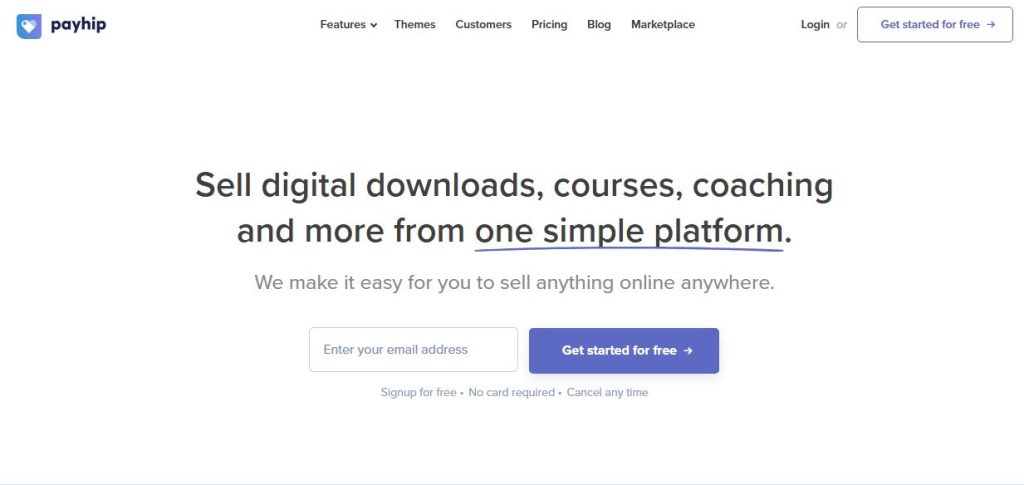
Payhip is an ecommerce platform built specifically for creators selling digital products. It lets you create a storefront, upload your products, accept payments, and automatically deliver purchases to customers.
You can sell much more than downloadable files. Payhip supports digital downloads, online courses, memberships, coaching, and physical products. That gives you room to start small and add new offers as your business grows.
One of Payhip’s biggest selling points is its pricing model. You can start on the free plan and only pay Payhip a percentage when you make a sale. As your revenue grows, you can move to a paid plan to reduce the platform transaction fee.
Key Features
Payhip includes:
- Digital downloads
- Online courses
- Memberships
- Coaching
- Physical product sales
- Custom storefronts
- Custom domains
- Coupons and discount codes
- Affiliate marketing
- Product bundles
- PDF stamping
- Download limits
- Customer management
- Email updates
- EU and UK VAT handling
- Marketing tools
- PayPal and Stripe integrations
- Embeddable checkout
The PDF stamping and download-protection features are particularly useful if you’re selling ebooks, guides, workbooks, or other files that you don’t want casually shared.
Pricing
Payhip currently has three main plans:
| Plan | Monthly Cost | Transaction Fee |
|---|---|---|
| Free Forever | $0/month | 5% |
| Plus | $29/month | 2% |
| Pro | $99/month | 0% |
All three plans include unlimited products and unlimited revenue. Payment processor fees from services such as Stripe or PayPal still apply.
Best For
Payhip is a strong option for:
- Beginners
- Ebook sellers
- Template creators
- Printable sellers
- Designers
- Artists
- Course creators
- Membership businesses
- Creators who want to start for free
If you need advanced sales funnels and sophisticated checkout optimization, you may want something more specialized. But for a creator who wants a straightforward storefront with digital delivery, courses, memberships, and flexible pricing, Payhip gives you plenty to work with.
6. Easytools
What if you could sell a digital product, collect leads, send emails, and add upsells without stitching together a pile of different tools? That’s the idea behind Easytools.
Easytools Overview
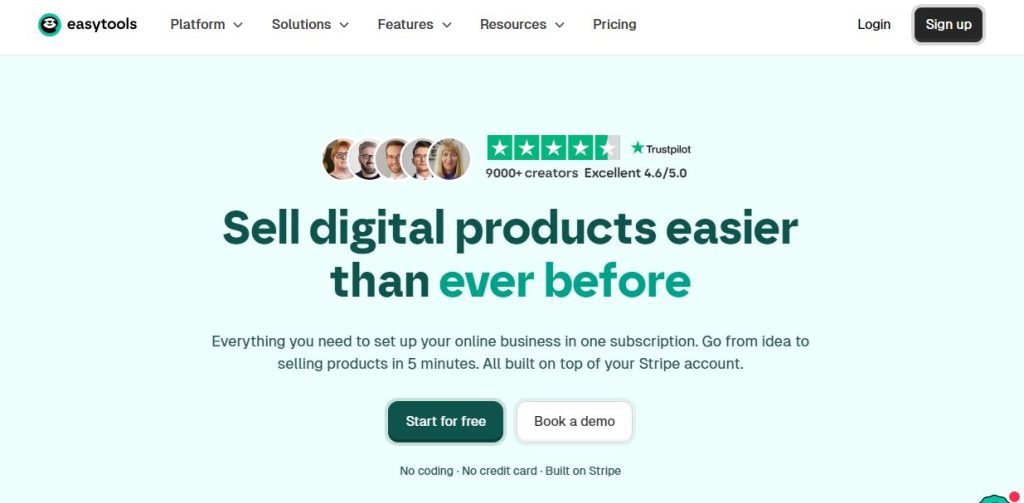
Easytools is an all-in-one platform for creators, coaches, and digital-product businesses. It combines product selling with tools for landing pages, funnels, email marketing, checkout optimization, and customer management.
You can use Easytools to sell digital products, online courses, coaching programs, memberships, and other offers. The platform is designed to help you move beyond simply putting a “Buy Now” button on a page and instead build a complete sales journey around your product.
For example, you could offer a free lead magnet, collect someone’s email address, send them an automated email sequence, sell them a low-priced digital product, and then offer a related product through an upsell.
That makes Easytools particularly interesting if you’re building a business rather than simply looking for somewhere to host a PDF.
Key Features
Easytools includes features such as:
- Digital product selling
- Online courses
- Coaching products
- Landing pages
- Sales funnels
- Checkout pages
- Order bumps
- One-click upsells
- Email marketing and automation
- Affiliate management
- Coupons and discounts
- Product bundles
- Customer management
- Analytics
- Lead magnets
- Custom domains
- Payment integrations
The combination of checkout tools and marketing features is one of its main attractions. You can create the offer, market it, sell it, and follow up with customers from the same platform.
Easytools Pricing
Easytools uses a plan-based pricing model, with options designed for creators at different stages.
Starter plan: $0/mo
Creator Plan: $79/mo
Professional Plan: $149/mo
Best For
Easytools is particularly suited to:
- Digital-product creators
- Coaches
- Course creators
- Solopreneurs
- Creators building sales funnels
- Businesses that rely heavily on email marketing
- Sellers who want order bumps and upsells
- Creators who want several marketing tools in one platform
If all you need is a basic checkout for a single ebook, Easytools may be more than necessary. But if you want to build funnels around your digital products and turn one-time buyers into repeat customers, its broader toolkit can be useful.
7. Teachable
If your digital product is built around teaching something, Teachable deserves a serious look. It goes beyond simple file delivery and gives you the tools to create, sell, and manage courses, coaching programs, memberships, and digital downloads.
Teachable Overview
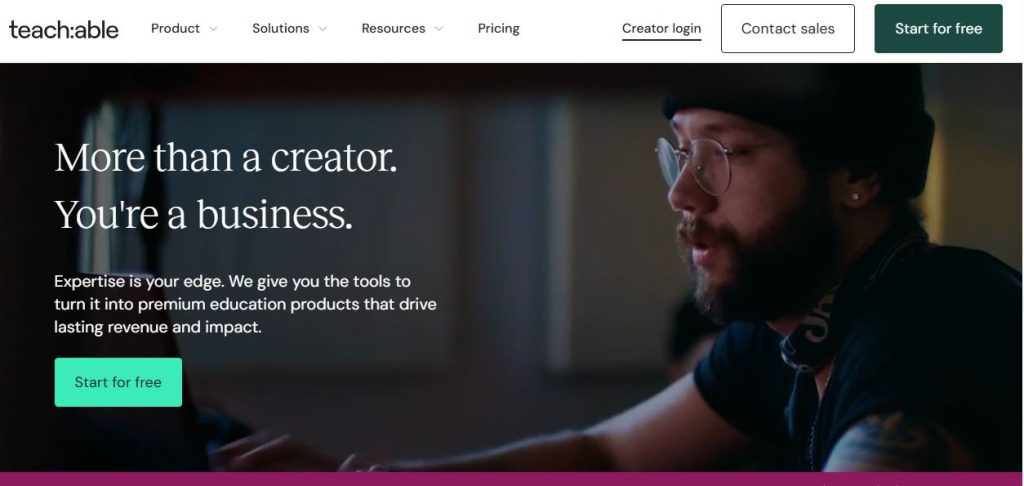
Teachable is an online platform designed for creators, educators, coaches, and businesses that want to sell knowledge online.
You can use it to create structured courses, offer coaching, sell digital downloads, build memberships, and manage your students from one place. It also includes sales and marketing tools, built-in checkout, payment options, and tax handling.
That makes Teachable different from platforms such as Gumroad or Payhip. If you’re selling a simple ebook, you may not need everything Teachable offers. But if you’re building a business around education, the ability to organize lessons, manage students, offer certificates, and create different pricing options becomes much more valuable.
Teachable also supports global payments and says its payment system can calculate, collect, and remit sales taxes, VAT, and GST on the creator’s behalf.
Key Features
Teachable includes:
- Online course creation
- Digital downloads
- Coaching products
- Memberships
- Course certificates
- Quizzes
- Student management
- Drip course content
- Sales pages
- Built-in checkout
- Payment plans
- Subscriptions
- Upsells
- Abandoned-cart recovery
- Affiliate programs
- Email and marketing tools
- AI-powered creation tools
- Global payments and tax handling
- iOS and Android student apps
- Integrations and developer tools
You can also give customers different ways to pay. Teachable supports one-time purchases, payment plans, subscriptions, and free products. Payment plans and subscriptions can help make higher-priced offers easier for customers to purchase.
Pricing
Teachable currently has three main self-serve plans, plus a custom plan for larger businesses.
| Plan | Monthly Billing | Annual Billing | Transaction Fee | Products |
|---|---|---|---|---|
| Starter | $39/month | $29/month | 7.5% | 5 |
| Builder | $89/month | $69/month | 0% | 10 |
| Growth | $189/month | $139/month | 0% | 50 |
| Custom | Contact sales | Contact sales | 0% | Custom |
All plans come with a 7-day free trial and a 30-day money-back guarantee.
Best For
Teachable is a strong fit for:
- Online course creators
- Coaches
- Educators
- Experts selling their knowledge
- Membership businesses
- Businesses offering structured training
- Creators who want built-in payment and tax tools
If you’re simply selling a handful of PDFs or templates, Teachable may be more than you need. But if your goal is to build a course or education business, its student management, course tools, memberships, payment options, and learning features make it much more suited to that job.
Related Post: 8 Best Teachable Alternatives & Competitors
8. Thinkific
If you want to build a real online learning business rather than simply sell downloadable files, Thinkific gives you the tools to turn your knowledge into structured courses, communities, memberships, and digital products.
Detailed Overview
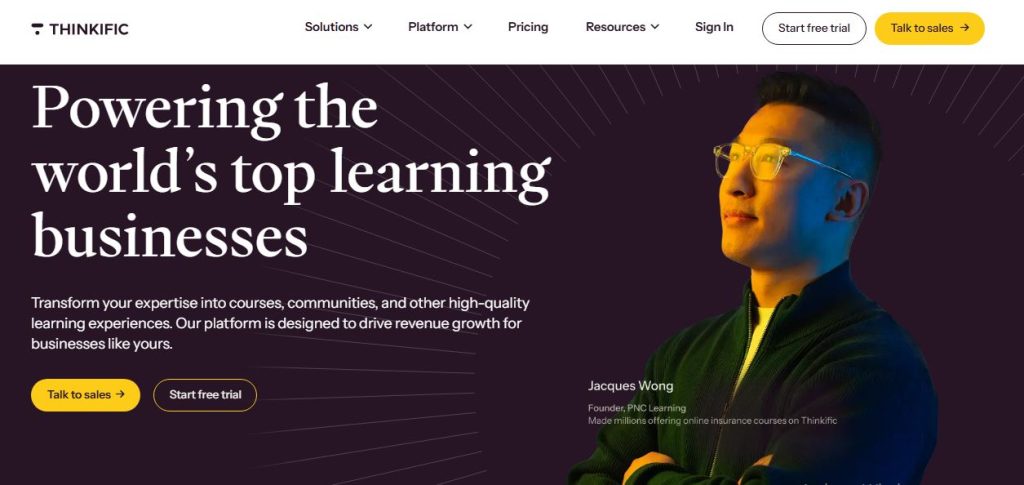
Thinkific is an online platform for creating and selling courses and other educational products. It allows you to build lessons, organize course content, manage students, create communities, and sell your products from one platform.
You don’t need to be a developer to create a course with Thinkific. You can upload videos, PDFs, audio, presentations, and other learning materials, then organize them into lessons and chapters.
Thinkific also goes beyond traditional courses. You can sell digital downloads, memberships, coaching, webinars, and communities, giving you more ways to monetize the same audience.
This makes it useful if you plan to start with one course and eventually build a larger education business around it.
Key Features
Thinkific offers features such as:
- Online course builder
- Digital downloads
- Memberships
- Communities
- Coaching and webinars
- Quizzes and surveys
- Course certificates
- Student progress tracking
- Drip content
- Landing pages
- Website builder
- Sales and checkout tools
- Coupons and promotions
- Payment plans
- Subscriptions
- Affiliate selling
- Analytics and reporting
- App integrations
- Custom domains
Thinkific’s community features can also help course creators keep customers engaged after they finish a course, rather than treating the purchase as the end of the relationship.
Pricing
Thinkific currently offers several plans, with pricing varying depending on whether you pay monthly or annually. Its current pricing structure includes:
| Plan | Monthly Price | Annual Equivalent | Key Product Capacity |
|---|---|---|---|
| Basic | $49/month | $36/month | 5 courses |
| Start | $99/month | $74/month | 10 courses |
| Grow | $199/month | $149/month | 25 courses |
| Plus | Custom | Custom | Custom |
Thinkific’s plans include unlimited students, with differences mainly coming from the number of products, communities, advanced features, and business tools available at each level. A 30-day free trial is also available.
Best For
Thinkific is particularly well suited to:
- Online course creators
- Coaches and consultants
- Educators
- Training companies
- Membership businesses
- Experts building an education brand
- Businesses planning to sell multiple courses
- Creators who want communities alongside their courses
If you’re selling a single ebook or a handful of simple templates, Thinkific may give you more tools than you need. But if you’re building an online education business with courses, students, memberships, and community, it gives you much more room to grow.
9. Sellfy
Want a simple online store where you can sell ebooks and templates today, but also add merchandise later? Sellfy is built around that kind of flexibility.
Sellfy Overview
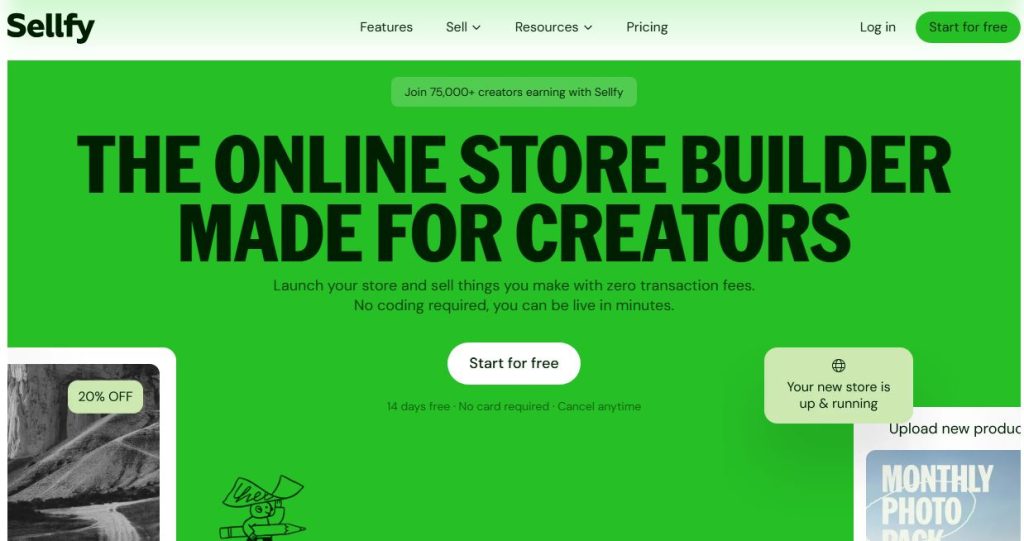
Sellfy is an ecommerce platform designed for creators who want to sell digital products, subscriptions, and physical products from their own storefront.
You can use it to sell ebooks, videos, music, artwork, templates, software, and other downloadable products. Unlike platforms that focus almost entirely on digital goods, Sellfy also supports physical products and print-on-demand merchandise.
That can be useful if your business has more than one revenue stream. For example, a designer could sell Lightroom presets and design templates alongside branded T-shirts. A YouTuber could sell digital guides while also offering merchandise.
Sellfy also gives you tools to create a storefront or embed products and buy buttons into an existing website.
Key Features
Sellfy includes:
- Digital product selling
- Physical product selling
- Print-on-demand
- Subscription products
- Custom storefronts
- Store builder
- Custom domains
- Embeddable product cards
- Discount codes
- Email marketing
- Upselling tools
- Product delivery
- Download limits
- PDF stamping
- Analytics
- Customer management
- Multiple payment options
Its built-in print-on-demand option is one of the features that separates Sellfy from many digital-product platforms. You can add merchandise without having to manage inventory or handle fulfillment yourself.
Pricing
Sellfy currently offers three main plans, with lower effective monthly prices when you pay annually. (sellfy.com)
| Plan | Monthly Billing | Annual Billing | Annual Sales Limit |
|---|---|---|---|
| Starter | $29/month | $22/month | $10,000 |
| Business | $79/month | $59/month | $50,000 |
| Premium | $159/month | $119/month | $200,000 |
Sellfy plans have 0% transaction fees, meaning it doesn’t take an additional percentage of your sales.
Best For
Sellfy is a good fit for:
- Digital-product creators
- Artists and designers
- YouTubers and influencers
- Creators selling digital products and merchandise
- Businesses wanting print-on-demand
- Sellers who want their own branded storefront
- Creators selling subscriptions alongside one-time products
If you only sell a few small digital downloads, Sellfy’s monthly subscription may be more than you need. But if you want digital products, physical merchandise, subscriptions, and print-on-demand in one store, Sellfy gives you a broader ecommerce setup than many creator-focused platforms.
10. SamCart
Getting people to your sales page is one thing. Getting them to actually complete the purchase is another. SamCart is built around that second part.
Overview
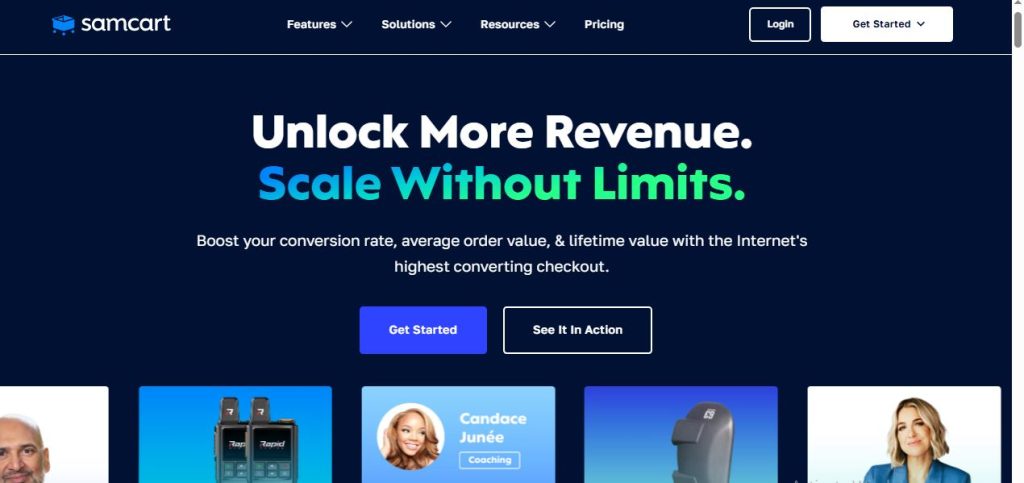
SamCart is an ecommerce and checkout platform designed to help businesses sell digital products, courses, memberships, subscriptions, and services.
Unlike a basic digital storefront, SamCart puts a lot of emphasis on the checkout experience and increasing the amount customers spend. You can create dedicated checkout pages, add order bumps, offer one-click upsells, and create payment plans or subscriptions.
That makes it particularly useful for businesses that already have an audience or marketing funnel and want to optimize the final step between “I’m interested” and “I bought it.”
You can also use SamCart to sell courses and digital products directly, although its biggest strength is the selling and checkout side of the business.
Key Features
SamCart includes:
- Custom checkout pages
- One-page checkout
- Order bumps
- One-click upsells
- Downsells
- Subscription payments
- Payment plans
- Coupons and discounts
- Abandoned-cart recovery
- A/B testing
- Sales analytics
- Affiliate management
- Customer management
- Course and digital-product selling
- Tax and payment tools
- Integrations with email marketing and other business platforms
The order-bump and upsell features are particularly useful if you have complementary products.
For example, imagine you’re selling a $49 course on starting a freelance business. At checkout, you could offer a $9 proposal template as an order bump. After the purchase, you could offer a $99 advanced course as an upsell.
That’s the kind of sales journey SamCart is designed to support.
Pricing
SamCart currently offers three main plans:
| Plan | Monthly Billing | Annual Billing | Platform Transaction Fee |
|---|---|---|---|
| Launch | $79/month | $59/month | 0% |
| Grow | $149/month | $119/month | 0% |
| Scale | $239/month | $179/month | 0% |
SamCart also offers a free trial, with plan features varying by tier.
There is no platform transaction fee from SamCart on these plans, though standard payment-processing fees may still apply depending on your payment provider and transaction.
Best For
SamCart is best suited to:
- Course creators
- Coaches
- Digital-product businesses
- Subscription businesses
- Marketers with established sales funnels
- Sellers offering high-ticket products
- Businesses that rely on upsells and order bumps
If you’re selling a $15 printable and making a handful of sales each month, SamCart may be overkill. But if you’re selling $100+ courses, coaching programs, memberships, or product bundles, its checkout and upselling tools become much more valuable.
Related Post: 9 Best SamCart Alternatives (Cheaper & More Powerful Options)
11. Stan Store
If most of your customers find you through social media, you probably don’t want to send them through a complicated website just to buy a $20 product. That’s where Stan Store comes in.
Overview
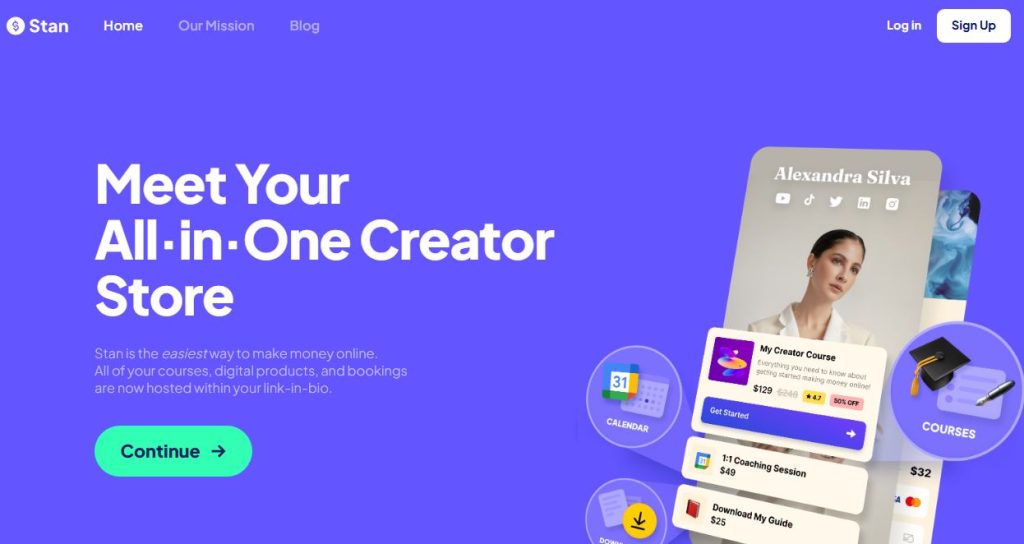
Stan Store is a creator-focused storefront designed to help you sell digital products, courses, memberships, coaching, webinars, and other offers from one simple link.
Think of it as a mini online store that sits behind your social media bio link.
You can use it to sell ebooks, templates, guides, courses, memberships, coaching calls, and digital downloads. You can also collect leads, build a community, and connect your payment accounts through Stripe or PayPal.
Stan is especially popular with creators who already have an audience on platforms like Instagram and TikTok. Instead of building a full website first, you can create your store, add your products, and send people directly to your Stan link.
Key Features
Stan Store includes:
- Digital product downloads
- Online courses
- Memberships
- Coaching and booking tools
- Webinars
- Lead magnets
- Email collection
- Community features
- Store and product analytics
- Subscription products
- Stan AutoDM
- Order bumps
- Upsells
- Sales funnels
- Affiliate tools
- Email marketing
- Discount codes
- Payment plans
- Afterpay and Klarna on eligible plans
- Meta, Google, TikTok, and Pinterest pixel tracking on Creator Pro
The biggest appeal is how closely the store fits into a creator’s social media workflow.
For example, you could post an Instagram Reel teaching people how to create a content calendar. Someone clicks your bio link, lands on your Stan Store, downloads your free content calendar, and then sees your paid $29 content-planning template.
That makes the path from content to customer much shorter.
Stan Store Pricing
Stan Store currently has two paid plans:
| Plan | Monthly Billing | Annual Billing | Platform Transaction Fee |
|---|---|---|---|
| Creator | $29/month | $300/year | 0% |
| Creator Pro | $99/month | $948/year | 0% |
Stan also offers a 14-day free trial for both plans.
The Creator plan includes the core tools for selling digital products, courses, memberships, coaching, and collecting leads.
The Creator Pro plan adds more sales and marketing tools, including funnels, order bumps, affiliate management, email marketing, discount codes, payment plans, and advanced tracking.
Stan charges 0% platform transaction fees, but Stripe and PayPal can still charge their own payment-processing fees.
Best For
Stan Store is best suited to:
- Instagram and TikTok creators
- YouTubers and influencers
- Personal brands
- Coaches
- Content creators
- Course creators
- Creators selling ebooks and templates
- Membership businesses
- Creators who want to sell directly from their bio link
If your business revolves around social media and personal branding, Stan Store can make selling feel much more connected to the content you’re already creating.
12. Beacons AI
If your audience mostly comes from social media, you may want more than just a link in your bio. You may want that link to collect leads, sell products, show your media kit, and help you manage your creator business.
That’s where Beacons AI comes in.
Overview
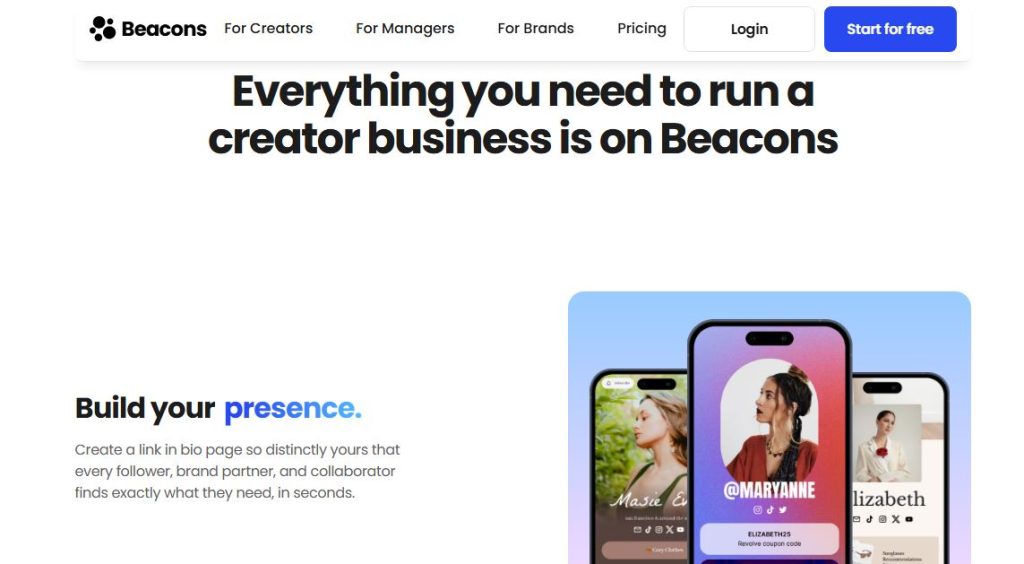
Beacons AI is a creator-focused platform that combines a link-in-bio page with a digital storefront, email marketing, media kit tools, affiliate features, analytics, and AI-powered creator tools.
You can sell ebooks, PDFs, guides, videos, courses, audio files, digital prints, images, and other digital products directly from your Beacons page. You can also offer free products to collect leads and introduce customers to your paid offers.
Think of it like having a small website, store, email tool, and creator dashboard packed behind one social media link.
That makes Beacons particularly useful for Instagram, TikTok, YouTube, and other creators who want their social audience to have one simple place to discover everything they offer.
Key Features
Beacons AI includes:
- Customizable link-in-bio pages
- Digital product storefront
- Unlimited digital products
- Ebook, PDF, video, audio, and file sales
- Online courses
- Memberships
- Email marketing
- Lead collection
- Affiliate links
- Order bumps
- Payment plans
- Buy Now, Pay Later options on eligible plans
- Discount codes
- Custom domains
- Sales and traffic analytics
- Media kit creation
- Instagram DM automation
- AI content and image generation
- AI-powered link-in-bio design
- AI email generation
- Mobile-friendly checkout
- Multiple currencies
- Apple Pay and Google Pay support
The AI features are a useful extra if you create content regularly.
For example, you could use Beacons to create your bio page, sell a $19 ebook, collect email addresses with a free checklist, and use its AI tools to help create promotional content.
So you’re not just getting a checkout page. You’re getting several creator tools working from the same place.
Pricing
Beacons AI currently has four plans:
| Plan | Monthly Billing | Annual Billing | Seller Fee |
|---|---|---|---|
| Free | $0/month | $0 | 9% |
| Creator | $10/month | $100/year | 9% |
| Creator Plus | $30/month | $300/year | 0% |
| Creator Max | $90/month | $900/year | 0% |
The Free plan lets you sell unlimited digital products, but Beacons charges a 9% seller fee.
Best For
Beacons AI is best suited to:
- Instagram creators
- TikTok creators
- YouTubers
- Influencers
- Personal brands
- Coaches
- Content creators
- Ebook and template sellers
- Creators selling multiple digital products
- Creators who want a link-in-bio store
- Creators who want AI tools alongside their selling tools
If you’re building your business around social media, Beacons can keep your content, audience, products, and sales links in one place.
For someone selling one simple PDF with no need for creator or marketing tools, though, some of Beacons’ extra features may be more than necessary.
13. SendOwl
Sometimes you don’t need a giant online store. You just need a reliable way to take payment and get the product into your customer’s hands.
That’s where SendOwl fits.
Overview
SendOwl is a digital commerce platform built mainly for selling and delivering digital products.
You can sell ebooks, software, courses, memberships, subscriptions, audio files, videos, PDFs, and other downloadable products. Instead of forcing you to build your entire business inside one platform, SendOwl focuses heavily on the buying and delivery process.
Think of it like a digital vending machine. A customer pays, and SendOwl makes sure they get the right product.
You can create product pages, add checkout buttons to an existing website, or use SendOwl alongside another website or sales platform. That makes it useful if you already have a website and don’t want to rebuild everything just to start selling digital products.
Key Features
SendOwl includes:
- Digital product delivery
- Downloadable files
- Software license keys
- Video and audio delivery
- Courses
- Memberships
- Subscriptions
- Secure download links
- PDF stamping
- Download limits
- Drip content
- Custom checkout pages
- Discount codes
- Order bumps
- Upsells
- Affiliate management
- Email delivery
- Customer management
- Sales analytics
- Payment integrations
- API and integrations
- Fraud protection
One useful feature is secure product delivery.
Instead of simply putting your ebook or software file on a public webpage, SendOwl can generate protected download links for customers after they pay.
That’s especially helpful if you’re selling products where controlling access matters.
Sendowl Pricing
Sendowl Pricing Tiers
Launch: $39 per month ($32.50/month if paid annually at $390/year). Includes up to 5,000 orders and $10,000 in annual sales.
Grow: $87 per month ($72.50/month if paid annually at $870/year). Includes up to 25,000 orders and $36,000 in annual sales.
Scale: $159 per month ($132.50/month if paid annually at $1,590/year). Includes up to 50,000 orders and $100,000 in annual sales.
Business: Starts from $299 per month with custom limits for high-volume enterprises.
Transaction Fees: SendOwl charges 0% platform transaction fees on all plans.
Best For
SendOwl is best suited to:
- Ebook sellers
- Software developers
- Authors
- Musicians
- Photographers
- Designers
- Digital download businesses
- Businesses with an existing website
- Sellers who need secure file delivery
- Creators selling subscriptions or memberships
If your main concern is selling and securely delivering digital files, SendOwl is worth considering.
What to Look for When Choosing a Platform to Sell Digital Products
Choosing a platform isn’t just about finding the one with the most features.
More features can actually make things harder if you don’t need them.
A better approach is to start with what you’re selling, how you plan to get customers, and where you want the business to go. Here are the things I’d look at before paying for any platform.
1. The Type of Digital Product You Sell
Start here.
Are you selling ebooks and templates? An online course? Coaching? Memberships? Software? Or a mix of several products?
A platform that’s great for a $10 PDF may not be the best fit for a $500 course.
For simple downloads, look at platforms such as Gumroad, Payhip, or SendOwl. If you’re building courses or memberships, platforms such as Teachable, Thinkific, or Podia may make more sense.
2. The Total Cost
Don’t look at the monthly price alone.
A platform might cost $29 per month but take a percentage from every sale. Another might cost $99 per month but charge 0% in platform transaction fees.
Run the numbers based on your actual sales.
If you sell $1,000 per month, a 5% transaction fee means $50 is going to the platform. At $10,000 in monthly sales, that’s $500.
Suddenly, that “cheap” plan doesn’t look quite so cheap.
Also check payment-processing fees, annual billing discounts, sales taxes, currency conversion fees, and limits on products or sales.
3. Payment Options
Your customers need an easy way to pay.
Check whether the platform supports the payment methods your audience actually uses, such as credit cards, PayPal, Apple Pay, Google Pay, or buy-now-pay-later options.
This matters even more if you sell internationally.
A platform can have great features, but if your customers struggle to pay, you’ve got a problem.
4. Tax and VAT Handling
Selling digital products can get messy when customers live in different countries.
Some platforms help calculate, collect, and remit taxes. Others leave more of that work to you.
Before choosing a platform, check exactly what it handles for sales tax, VAT, and other digital-product taxes.
Don’t assume it’s included just because the platform has a checkout page.
5. Digital Product Delivery
Once someone pays, they should get what they bought without you manually sending an email every time.
Look for automatic delivery, secure download links, download limits, file protection, and access controls.
If you’re selling software, courses, or paid content, also check whether the platform can control who gets access and for how long.
6. The Checkout Experience
Your checkout page can make or break a sale.
Look for a checkout that’s simple, mobile-friendly, fast, and easy to customize.
If you’re selling higher-priced products, features such as payment plans, order bumps, and upsells can also be useful.
This is one reason platforms such as ThriveCart and SamCart stand out. They’re built heavily around the checkout and sales process.
7. Marketing Tools
You don’t just need somewhere to sell.
You need a way to turn visitors into customers.
Depending on your business, you may want email marketing, sales funnels, abandoned-cart recovery, discount codes, affiliate programs, upsells, or lead magnets.
If you want most of these tools under one roof, platforms such as Systeme.io or Beacons AI can be worth looking at.
8. Your Audience and Where They Find You
Think about where your customers come from.
If you have an audience on Instagram or TikTok, a platform such as Stan Store or Beacons AI can make it easy to turn your bio link into a mini storefront.
If you already have a website and traffic, you may prefer something you can connect to your existing setup.
The best platform should fit the way your audience already buys.
9. Room to Grow
You might only have one ebook today.
Six months from now, you could have an ebook, three templates, a course, a membership, and a coaching offer.
Think ahead.
Check product limits, customer limits, storage limits, email limits, sales limits, and what happens when you need to upgrade.
Moving platforms later can be a pain, so a little planning now can save you a lot of work.
10. Who Owns Your Customer Data
This one is easy to overlook.
Your customers are one of your biggest business assets.
Check whether you can export customer information, access your order history, manage your email list, and connect your own marketing tools.
You don’t want your entire customer relationship locked inside a platform with no easy way to take your data elsewhere.
11. Integrations
Your selling platform probably won’t work alone.
You may want to connect it to an email service, payment processor, accounting software, CRM, webinar tool, analytics platform, or automation tool.
Before signing up, check that it connects with the tools you already use.
Otherwise, you may end up spending hours copying information between different systems.
12. Test the Buying Experience Yourself
Go through the checkout on your phone.
Ask yourself:
Would I trust this page?
Is it easy to understand what I’m buying?
Can I pay without confusion?
Did I receive the product immediately?
Does the confirmation email look professional?
Try the whole journey from your customer’s point of view.
You’ll often spot problems that aren’t obvious when you’re looking at your platform from the seller’s side.
Which Platform Should You Choose?
After looking at 13 platforms, you might be thinking, “Okay, but which one should I actually use?”
Fair question.
There isn’t one platform that’s perfect for every seller. The right choice depends on what you’re selling, how you get customers, and which tools you need to run the business.
Here are a few common situations.
If You’re Selling Your First Ebook or Digital Download
If you’re just getting started with an ebook, checklist, template, printable, or guide, keep things simple.
Gumroad and Payhip are worth considering because you can start selling without building a complicated online store.
Payhip is especially useful if you want a free plan with a lower transaction fee as you grow. Gumroad is attractive if you want a very simple creator-focused setup.
SendOwl is another option if you already have a website and mainly need secure digital delivery and checkout.
If You Want to Sell Courses
If courses are going to be a major part of your business, look closely at Teachable, Thinkific, ThriveCart and Podia.
These platforms are built around teaching, so you get tools for lessons, students, course access, and other learning features.
Teachable and Thinkific are especially focused on online education, while Podia gives you a broader mix of courses, downloads, coaching, memberships, and email tools.
If You Want an All-in-One Business Platform
Don’t want to stitch together five different tools just to sell one product?
Systeme.io is worth a look.
It combines funnels, email marketing, websites, courses, memberships, products, affiliate tools, and automation.
That can be useful if you want to build an entire sales system rather than simply upload a PDF and add a Buy button.
If Your Business Runs on Social Media
If Instagram, TikTok, YouTube, or another social platform is where most of your audience lives, look at Stan Store and Beacons AI.
Both can turn your bio link into a mini storefront.
Someone can click your profile, see your offers, join your email list, book a service, or buy a digital product without having to search through a full website.
For creators who sell through their personal brand, that can make a big difference.
If You Care About Upsells and Higher Order Values
If you’re already getting sales and want to make more money from each customer, ThriveCart and SamCart deserve attention.
Both focus heavily on checkout optimization, order bumps, upsells, downsells, payment plans, and other sales tools.
For example, instead of selling a $49 course and ending the customer’s journey there, you could offer a $9 template at checkout and a $99 advanced product afterward.
That’s where these platforms can become much more interesting than a basic digital storefront.
If You Sell Digital Products and Physical Products
If you want to sell digital products alongside merchandise, print-on-demand products, or physical goods, Sellfy is worth considering.
You can keep different product types in one storefront instead of managing separate stores.
This can work well for creators, artists, designers, YouTubers, and brands that want to sell both digital content and physical products.
If You Want a Simple Digital Store
If your main goal is simply:
Create product → take payment → deliver product
then you don’t necessarily need a platform packed with dozens of business tools.
Payhip, Gumroad, or SendOwl can be a better fit for a straightforward setup.
You can always add more tools later when your business actually needs them.
If You Want to Build a Membership or Community
If recurring revenue is part of your plan, look at platforms that support memberships and subscriptions.
Podia, Teachable, Thinkific, Stan Store, Beacons AI, and Systeme.io all offer options for recurring products or memberships, although the exact features vary.
The key question is what else you need alongside the membership.
Do you need courses? Email marketing? Coaching? A community? Sales funnels? Social-media selling?
That answer can quickly narrow your options.
If You’re Selling High-Ticket Products
If you’re selling coaching, consulting, premium courses, or expensive digital programs, your checkout matters more.
A $500 sale is very different from a $5 template purchase.
In that situation, platforms such as ThriveCart and SamCart can be useful because their sales and checkout features are designed around increasing conversions and average order value.
You may also want Teachable, Thinkific, or Podia if the product itself is a structured course or membership.
The Simple Way to Decide
Still stuck?
Start with these three questions:
What am I selling?
Where do my customers come from?
What do I need the platform to do beyond taking payment?
Answer those honestly and your shortlist gets much smaller.
You don’t need the platform with the longest feature list. You need one that fits the business you’re actually building.
Frequently Asked Questions
What is the best platform for selling digital products?
There isn’t one platform that’s right for everyone.
For simple digital downloads, Payhip, Gumroad, and SendOwl are worth considering. For courses, Teachable, Thinkific, and Podia offer more learning-focused tools. If you want sales funnels and checkout optimization, ThriveCart and SamCart are strong options.
The best fit depends on your product, budget, audience, and the tools you need.
What is the best platform for selling ebooks?
If you’re mainly selling ebooks, you don’t need a platform built around complicated courses or memberships.
Payhip, Gumroad, and SendOwl can all work well for digital downloads.
Look closely at transaction fees, payment options, file delivery, and whether you can build the kind of product page you want.
Can I sell digital products without a website?
Yes.
Platforms such as Gumroad, Payhip, Stan Store, and Beacons AI can give you a place to sell without building a traditional website first.
This is particularly useful if you already have an audience on Instagram, TikTok, YouTube, or email.
You can send people straight to your product page or store.
What is the cheapest platform for selling digital products?
The cheapest option depends on how you define “cheap.”
Some platforms have free plans but charge a transaction fee on every sale. Others charge a monthly subscription but have 0% platform transaction fees.
For example, Payhip has a free plan with a 5% transaction fee, while Systeme.io has a free plan with no Systeme.io transaction fee. Other platforms have paid plans with different fee structures.
So don’t compare the monthly price alone. Calculate what you’ll actually pay based on your expected sales.
Can I sell courses and digital downloads on the same platform?
Yes.
Platforms such as Podia, Teachable, Thinkific, Systeme.io, Stan Store, and Beacons AI support multiple types of digital offers.
That can be useful if you plan to grow from a simple download into courses, memberships, coaching, or other products.
Do digital-product platforms charge transaction fees?
Some do and some don’t.
A platform may charge a percentage of each sale, a monthly subscription, or both.
You also need to separate platform fees from payment-processing fees. Even when a platform advertises 0% transaction fees, Stripe, PayPal, or another payment provider may still charge a processing fee.
Always check both before choosing a plan.
Can I sell digital products internationally?
Yes, but check how each platform handles international payments, currencies, taxes, and VAT.
Your customers may be paying from countries with different payment methods and tax rules.
If you expect to sell globally, make sure the platform supports the countries and payment methods you need before you build your store around it.
Which platform is best for beginners?
For a beginner selling a simple digital product, starting with a straightforward platform such as Payhip or Gumroad can keep things manageable.
If you’re starting with courses, Teachable, Thinkific, or Podia may make more sense.
And if you’re building an entire online business with funnels and email marketing, Systeme.io can give you more tools from the start.
The trick is not to choose the platform with the most features. Choose the one you can actually use.
Can I switch digital product platforms later?
Yes, although moving platforms can take some work.
You may need to move your products, customer information, email lists, sales pages, integrations, and checkout links.
That’s why it’s worth checking export options and customer-data access before committing to a platform.
If you’re just starting, don’t spend weeks trying to predict every future need. Pick a platform that handles your current business well and gives you enough room to grow.
Do I need a separate email marketing platform?
Not always.
Some platforms, including Systeme.io, Podia, Stan Store, and Beacons AI, include email marketing features.
Other platforms may connect with dedicated email marketing services through integrations.
If building an email list is a major part of your strategy, compare the email features carefully. Your email list can become one of your most valuable business assets, so you don’t want to treat it as an afterthought.
Should I choose a platform with 0% transaction fees?
Not automatically.
A 0% transaction fee sounds great, but you still need to look at the monthly subscription, payment-processing costs, included features, product limits, and other fees.
For example, paying $100 per month for a platform you barely use doesn’t make sense just to avoid a small transaction fee.
Run the numbers based on your actual sales rather than chasing a single pricing feature.
Can I sell digital products from social media?
Yes.
You can use platforms such as Stan Store and Beacons AI to create a storefront connected to your social media bio.
You can also share product links from platforms such as Gumroad or Payhip.
The important thing is to make the path from your content to your product as simple as possible.
Someone sees your post, becomes interested, clicks your link, understands the offer, and can buy without jumping through hoops.