
Are you spending money on ads but still unsure which campaigns bring real sales? The best ad tracking software can help you see where your clicks, leads, and sales come from, so you can stop wasting money on ads that don’t work.
I’ve put together this guide to help you find the right tool without getting lost in endless features or confusing pricing plans. Whether you’re an affiliate marketer, media buyer, ecommerce owner, or agency, you’ll find 17 options worth considering.
Let’s look at what each tool offers, how much it costs, and which one fits your needs best.
Quick Comparison: Best Ad Tracking Software at a Glance
Not every ad tracker is built for the same job. Some focus on affiliate marketing and paid traffic, while others help ecommerce brands connect ad spend to sales or give agencies better control over campaign performance.
Here’s a quick comparison of the 17 tools, their starting prices, and their primary use cases.
| Ad Tracking Software | Starting Price | Best For |
|---|---|---|
| ClickMagick | $79/month; $66/month billed yearly | Affiliate marketers and small businesses |
| Voluum | $119/month billed annually | Professional media buyers |
| RedTrack | $141/month billed annually | Affiliate marketers and performance advertisers |
| HYROS | $69/month | High-ticket businesses and advertisers |
| BeMob | Free; paid plans from $49/month | Beginners and affiliate marketers |
| FunnelFlux Pro | $99/month | Funnel-focused marketers |
| AdsBridge | $29/month | Affiliate marketers and media buyers |
| Binom | $149/month; $104/month billed yearly | High-volume affiliate marketers |
| Triple Whale | Free; paid plans from about $219/month | Ecommerce and Shopify brands |
| AnyTrack | Free; paid plans from $100/month | Affiliate marketers and online businesses |
| wecantrack | Free; paid plans from $69/month | Affiliate publishers |
| CPV Lab Pro | $48/month or $957 lifetime | Experienced affiliate marketers |
| ThriveTracker | $79.99/month | Affiliate marketers and performance teams |
| ClickFlare | $89/month | Affiliate marketers and media buyers |
| PeerClick | $99/month | Affiliate marketers and performance advertisers |
| wetracked.io | $49/month | Shopify and ecommerce brands |
| Trackier | $299–$499/month | Agencies, networks, and performance marketing teams |
Prices are based on the current pricing information. Monthly equivalents, annual billing, usage limits, and free-trial terms vary by provider. Pricing can change so confirm the applicable plan before subscribing.
1. ClickMagick – Best Ad Tracking Software for Bot Protection
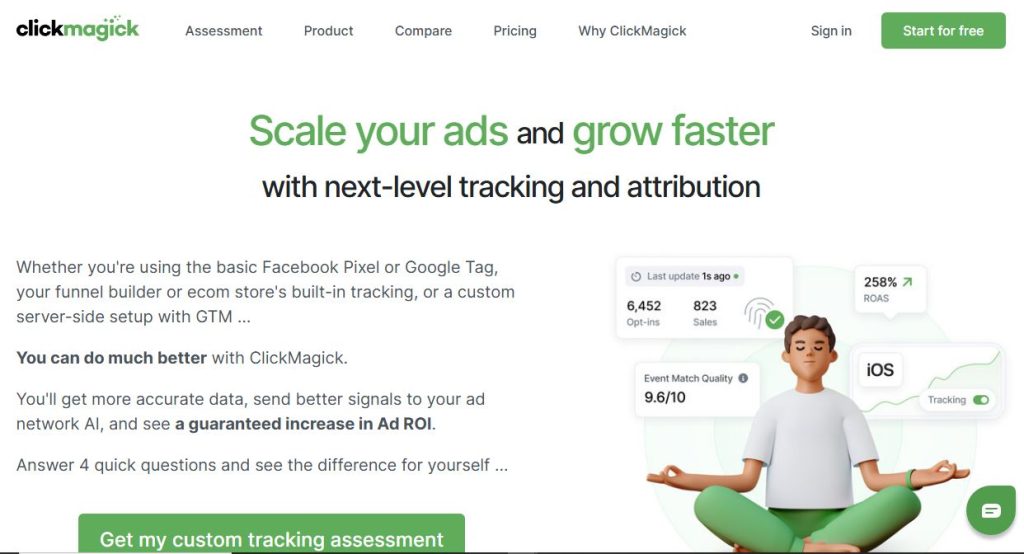
ClickMagick is ad tracking software that helps you track clicks, conversions, and sales across your marketing campaigns. It’s designed for affiliate marketers and businesses that want to identify profitable traffic sources, improve conversions, and reduce wasted ad spend.
Key Features of ClickMagick
- Click Tracking: Track clicks across ads, affiliate links, and marketing campaigns.
- Conversion Tracking: Measure leads, sales, and campaign performance.
- Split Testing: Test landing pages and links to improve conversion rates.
- Bot and Click Fraud Detection: Filter suspicious traffic and identify potentially wasted ad spend.
- Affiliate Link Tracking: Monitor affiliate campaigns, offers, and traffic sources.
- Attribution Tracking: Understand which marketing touchpoints contribute to conversions.
- Performance Reporting: Monitor key metrics, including conversion rates, ROI, and ROAS.
ClickMagick Starting Price
ClickMagick starts at $79 per month, or $66 per month when billed yearly. The Standard plan costs $199 per month, while Pro costs $349 per month.
All plans include a 14-day free trial.
Check the official ClickMagick pricing on their website
Pros and Cons of ClickMagick
Pros
- Focuses on accurate ad data and straightforward tracking.
- Simple setup for marketers who want to get started quickly.
- Pro includes unlimited users and ad accounts.
Cons
- Starter is limited to one user and one website.
- Additional websites can cost extra.
- The price jumps between plans are substantial.
Who Is ClickMagick Best For?
ClickMagick is best for affiliate marketers, solo advertisers, and small businesses that need link tracking, conversion analytics, and campaign optimization tools.
2. Voluum – Best for Affiliate Media Buying
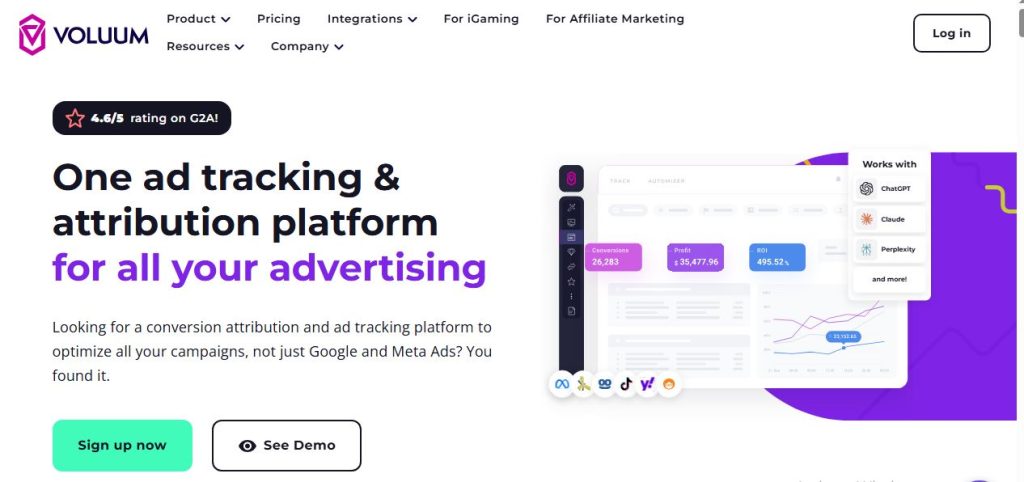
Voluum is ad tracking software built for affiliate marketers, media buyers, and performance marketing teams. It helps you track paid traffic, measure conversions, compare traffic sources, and optimize campaigns using detailed performance data.
Key Features of Voluum
- Ad Tracking: Track campaigns across multiple traffic sources.
- Conversion Tracking: Measure leads, sales, and other conversion events.
- Real-Time Reporting: Monitor clicks, costs, revenue, and campaign performance.
- Traffic Distribution: Route visitors to different landing pages and offers.
- Campaign Optimization: Identify profitable campaigns and traffic sources.
- Automated Rules: Automate selected campaign management and optimization tasks.
- Traffic Quality Monitoring: Analyze traffic patterns to identify suspicious or low-quality visits.
Voluum Starting Price
Voluum’s Profit plan starts at $119 per month when billed annually. Scale costs $299 per month, while Business plans range from approximately $539 to $1,599 per month and beyond.
There is no free plan.
Pros and Cons of Voluum
Pros
- Mature feature set for campaign tracking and optimization.
- Offers room to scale as campaigns grow.
- Suitable for professional media buyers managing complex campaigns.
Cons
- Some features are available only on higher-tier plans.
- Costs can rise with event volume and overage charges.
- There is no free plan for users who want to test the platform without paying.
Who Is Voluum Best For?
Voluum is best for professional affiliate marketers, media buyers, and agencies managing multiple paid traffic campaigns. It’s particularly useful for advertisers who need detailed analytics, automated optimization, and traffic distribution tools.
3. RedTrack – Best Ad Tracking Infrastructure
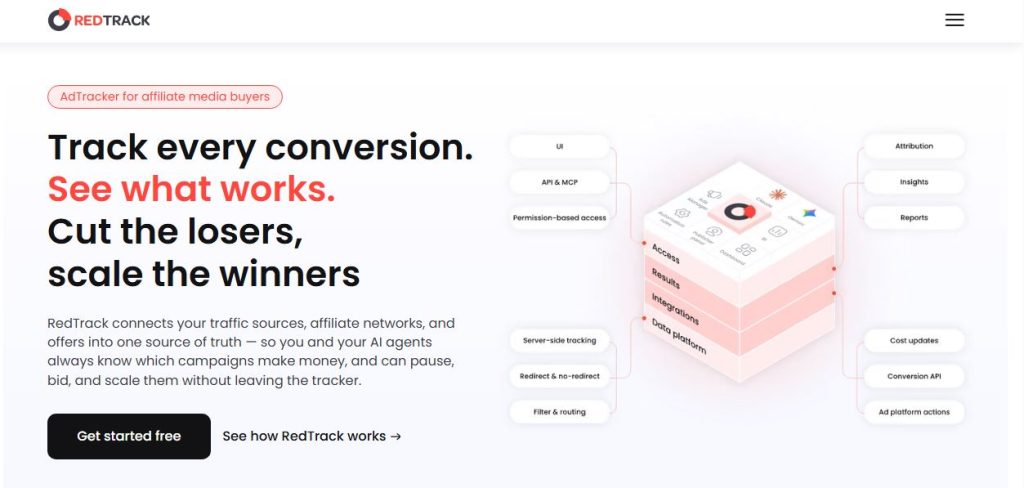
RedTrack is ad tracking software that helps affiliate marketers and performance advertisers track conversions, measure ad spend, and optimize campaigns across multiple advertising platforms. It combines campaign analytics with server-side tracking to help businesses connect advertising activity with conversions.
Key Features of RedTrack
- Ad Campaign Tracking: Monitor clicks, conversions, and revenue across traffic sources.
- Conversion Tracking: Measure leads, purchases, and other conversion events.
- Server-Side Tracking: Send conversion data to supported advertising platforms through Conversion APIs.
- Ad Spend Monitoring: Compare advertising costs with revenue and campaign results.
- Multi-Channel Attribution: Understand which traffic sources and campaigns generate conversions.
- Automated Optimization: Use rules and automation to manage campaigns.
- Reporting and Analytics: Monitor ROI, ROAS, and conversion rates.
RedTrack Starting Price
RedTrack’s Solo plan starts at $141 per month when billed annually.
The Team plan costs $399 per month and includes five users and 20 million events. Enterprise starts at $999 per month, with 15 users and 75 million events.
Pros and Cons of RedTrack
Pros
- Broad integrations with advertising platforms and marketing tools.
- Generous event allowances on higher-tier plans.
- Useful for managing campaigns across multiple channels.
Cons
- Team sharing is limited to higher-tier plans.
- Higher-tier plans can be expensive for smaller teams.
Who Is RedTrack Best For?
RedTrack is best for affiliate marketers, media buyers, and performance marketing teams that need centralized campaign tracking, conversion attribution, and automation across multiple advertising platforms.
4. HYROS – Best for High-Ticket Offers and Long Sales Cycles
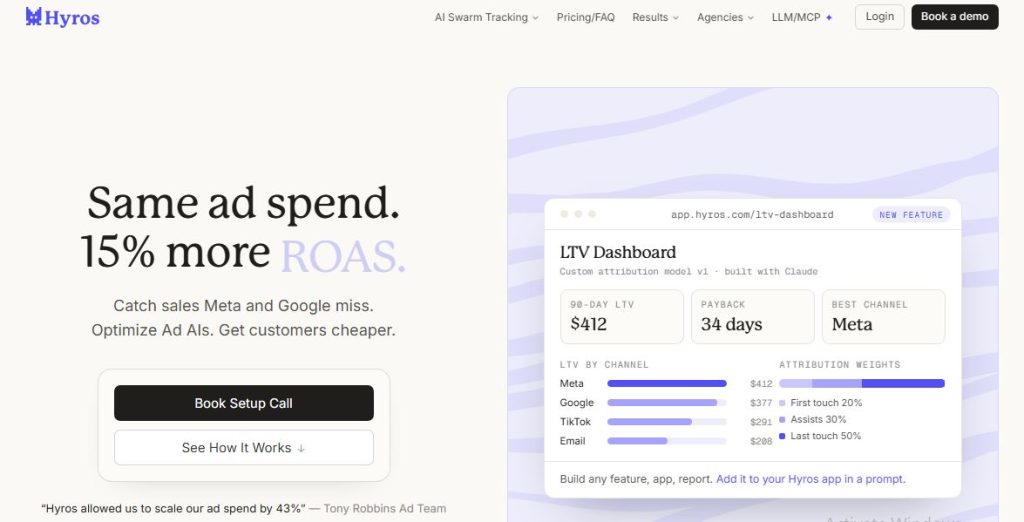
HYROS is ad tracking and revenue attribution software designed to help businesses connect advertising campaigns to leads, sales, and revenue. It focuses on tracking the customer journey, including leads who interact with multiple ads or take time to make a purchase.
Key Features of HYROS
- Revenue Attribution: Track which advertising campaigns generate revenue.
- Call Tracking: Attribute phone calls and sales to marketing sources.
- Lead Tracking: Follow leads from their first interaction through conversion.
- Multi-Touch Attribution: Measure how different marketing touchpoints contribute to sales.
- Ad Platform Integrations: Connect marketing data with supported advertising platforms.
- CRM and Sales Tracking: Connect lead and customer data to campaign performance.
- Attribution Reporting: Analyze conversion data to identify potentially profitable campaigns.
HYROS Starting Price
HYROS starts at $69 per month for tracking up to $5,000 in monthly revenue. Pricing scales with the amount of revenue tracked, reaching $1,499 per month for up to $750,000 in monthly tracked revenue.
Check the official HYROS website for current pricing and plan requirements.
Pros and Cons of HYROS
Pros
- Strong attribution for long customer journeys.
- Hands-on setup help for businesses that need support.
- Useful for connecting marketing activity with high-value sales.
Cons
- Pricing is based on tracked revenue.
- Setup can be complex for beginners.
- Higher revenue volumes can significantly increase subscription costs.
Who Is HYROS Best For?
HYROS is best for high-ticket businesses, coaches, course creators, and advertisers with long sales funnels. It’s particularly useful for businesses that need to connect ad clicks with phone calls, sales, and customer revenue.
5. BeMob – Best Free Ad Tracking Software
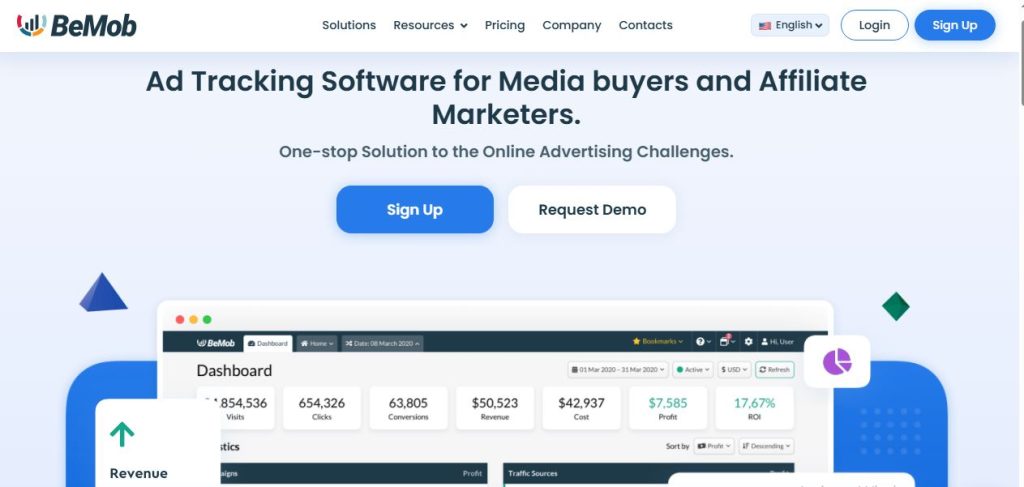
BeMob is cloud-based ad tracking software built for affiliate marketers and media buyers. It helps you track clicks, conversions, and campaign costs while identifying which traffic sources and offers deliver the best results.
Key Features of BeMob
- Campaign Tracking: Track paid traffic campaigns across multiple sources.
- Conversion Tracking: Measure leads, sales, and other conversion events.
- Real-Time Analytics: Monitor clicks, conversions, costs, and revenue.
- Traffic Distribution: Route visitors to different landing pages and offers.
- A/B Testing: Compare landing pages and campaign variations.
- Bot Traffic Detection: Identify suspicious traffic and filter unwanted visits.
- Automated Optimization: Use campaign rules to improve traffic performance.
BeMob Starting Price
BeMob offers a free plan with 100,000 events per month.
Paid plans are priced as follows:
- Professional: $49 per month
- Business: $249 per month
- Enterprise: $499 per month
Overage fees apply when you exceed your event limit.
Check official bemob pricing here
Pros and Cons of BeMob
Pros
- A genuine free plan for getting started.
- Low entry price for paid tracking.
- Relatively easy setup.
Cons
- The free plan excludes some features, including multi-user access.
- Overage fees can increase costs if your traffic exceeds plan limits.
Who Is BeMob Best For?
BeMob is best for beginner affiliate marketers, media buyers, and small advertising teams looking for affordable campaign tracking without managing their own server.
6. FunnelFlux Pro – Best for Visualizing Complex Marketing Funnels
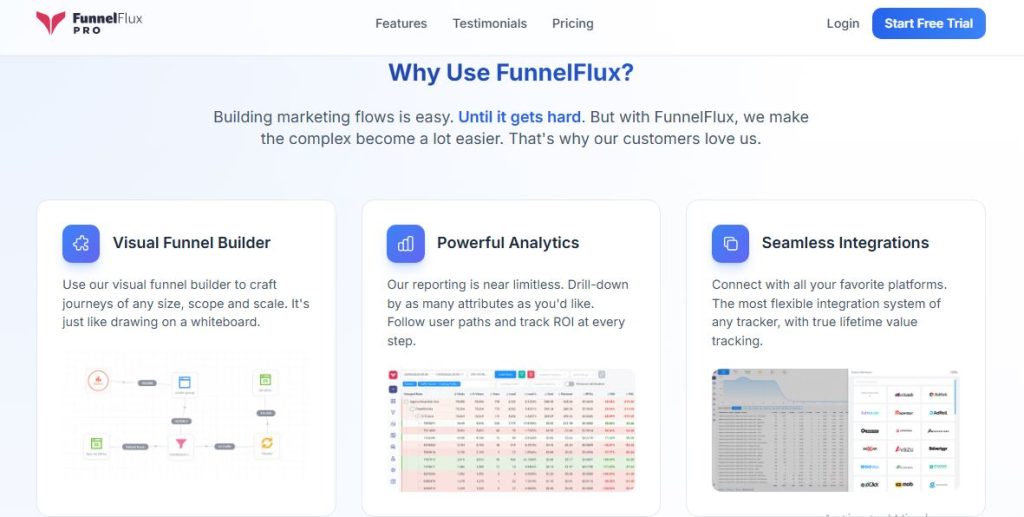
FunnelFlux Pro is ad tracking and funnel analytics software designed for affiliate marketers and performance advertisers. It helps you visualize customer journeys, track conversions across multiple funnel steps, and control how visitors move between landing pages and offers.
Key Features of FunnelFlux Pro
- Visual Funnel Builder: Map customer journeys and build marketing funnels.
- Campaign Tracking: Track clicks, conversions, and revenue across traffic sources.
- Traffic Distribution: Route visitors to different landing pages and offers.
- Conversion Attribution: Connect campaign activity to leads and sales.
- Funnel Analytics: Identify where visitors drop off and which steps perform best.
- A/B Testing: Compare landing pages and funnel variations.
- Traffic Routing Rules: Direct visitors based on supported campaign conditions.
FunnelFlux Pro Starting Price
FunnelFlux Pro’s Core plan starts at $99 per month and includes two million tracked events.
A 14-day free trial is available, and the plan does not require an annual contract.
Pros and Cons of FunnelFlux Pro
Pros
- Strong funnel visualization capabilities.
- Predictable event-based pricing.
- Useful for managing complex customer journeys.
Cons
- Has a steeper learning curve than simple link trackers.
- AI routing costs extra.
- May offer more complexity than beginners need.
Who Is FunnelFlux Pro Best For?
FunnelFlux Pro is best for affiliate marketers, media buyers, and performance marketers managing multi-step funnels. It’s especially useful if you need visual funnel mapping and flexible traffic routing.
7. AdsBridge – Best Budget-Friendly Ad Tracking Platform
AdsBridge is ad tracking software designed for affiliate marketers and media buyers who need to monitor campaigns, analyze traffic, and improve conversions. It combines tracking with landing page and traffic distribution tools.
Key Features of AdsBridge
- Campaign Tracking: Monitor clicks, conversions, and revenue across traffic sources.
- Conversion Tracking: Measure leads, sales, and campaign results.
- Landing Page Tools: Create and manage landing pages for advertising campaigns.
- Traffic Distribution: Route visitors to different offers and landing pages.
- Split Testing: Compare landing pages and offers.
- Traffic Filtering: Apply available traffic filtering and targeting rules.
- Campaign Analytics: Analyze performance to identify profitable traffic sources.
AdsBridge Starting Price
AdsBridge’s Starter plan costs $29 per month and includes 100,000 visits.
Other plans include:
- Professional: $89 per month
- Advanced: $199 per month
- Business: $379 per month
- Agency: $499 per month
- Enterprise: $799 per month
A 14-day free trial is available.
Check the official AdsBridge website for current plan limits and terms.
Pros and Cons of AdsBridge
Pros
- Low starting price.
- Offers a broad range of features across its plans.
- Useful for marketers who need both tracking and landing page tools.
Cons
- Lower-tier plans cap the number of visits.
- Account managers are reserved for higher-tier plans.
- Growing traffic volumes may require an upgrade.
Who Is AdsBridge Best For?
AdsBridge is best for affiliate marketers, media buyers, and performance marketing teams looking for campaign tracking, landing page management, and traffic distribution tools.
8. Binom – Best Self-Hosted Ad Tracker
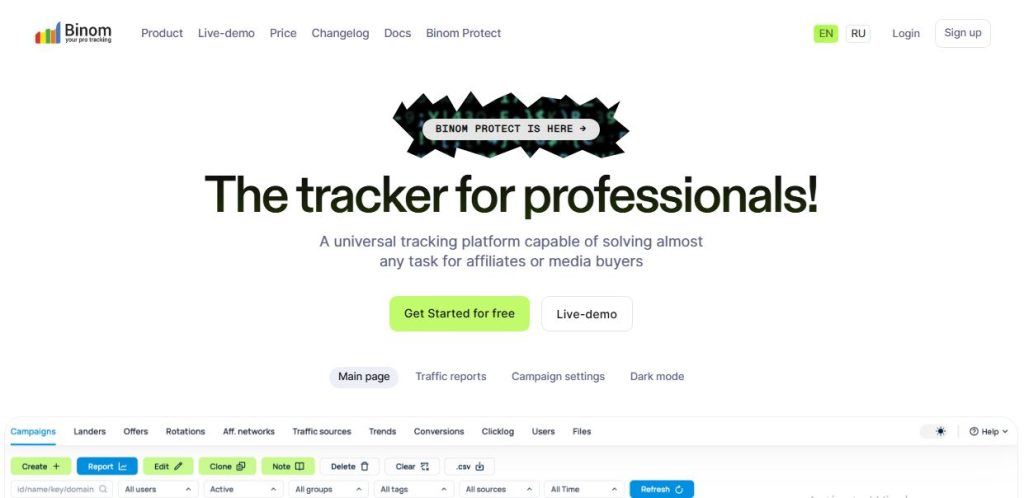
Binom is ad tracking software built for affiliate marketers and media buyers who need control over their tracking data and campaign analytics. It helps monitor clicks, conversions, and traffic sources while supporting campaign optimization.
Key Features of Binom
- Self-Hosted Tracking: Run the tracking system on your own server.
- Campaign Tracking: Monitor clicks, conversions, and revenue.
- Campaign Reporting: Analyze detailed campaign performance data.
- Traffic Distribution: Route visitors to different landing pages and offers.
- Split Testing: Compare landing pages and offers.
- Traffic Filtering: Configure supported filtering and targeting rules.
- Performance Analytics: Identify profitable traffic sources and offers.
Binom Starting Price
Binom v2 starts at $149 per month, or $104 per month when billed yearly.
Binom Cloud costs $299 per month. Self-hosted users also need to pay for their own server.
Check the official Binom website for current license options and system requirements.
Pros and Cons of Binom
Pros
- No per-event tracking fees.
- Gives users greater control over their tracking data.
- Suitable for experienced affiliate marketers handling high traffic volumes.
Cons
- Setup is among the most technical options in this roundup.
- Self-hosting requires server management.
- Server costs are separate from the software license.
Who Is Binom Best For?
Binom is best for experienced affiliate marketers, media buyers, and high-volume advertisers who want fast campaign reporting and greater control over their tracking infrastructure.
9. Triple Whale – Best for E-commerce Analytics and Shopify Brands
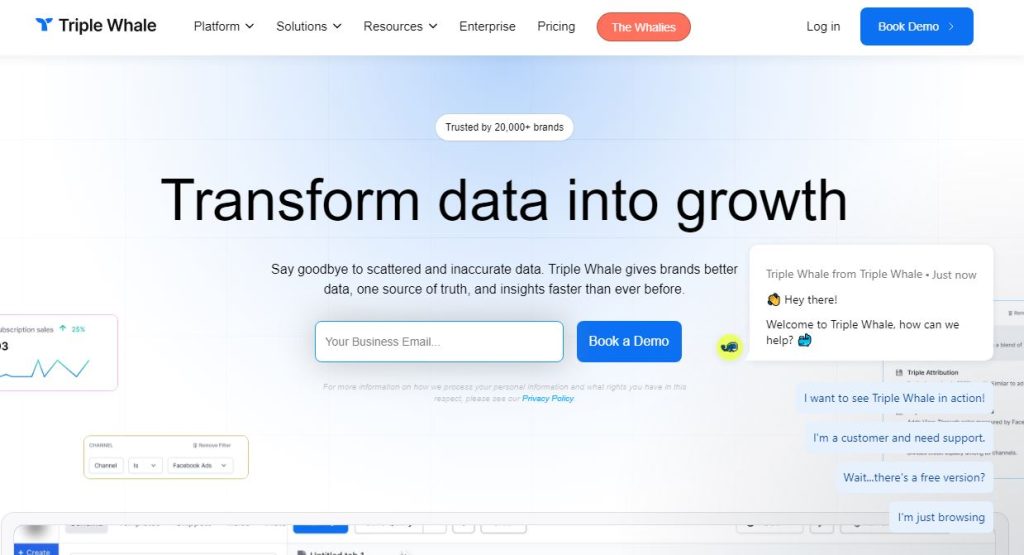
Triple Whale is ecommerce analytics and attribution software designed to help online stores measure advertising performance, track revenue, and understand profitability. It brings data from advertising platforms and ecommerce tools into one dashboard.
Key Features of Triple Whale
- Ad Attribution: Measure how advertising campaigns contribute to ecommerce sales.
- Profit Analytics: Track revenue, expenses, and profitability.
- Marketing Dashboard: Combine key performance metrics from multiple platforms.
- Creative Analytics: Compare ad creatives to understand their performance.
- Customer Journey Tracking: Analyze how shoppers interact with marketing channels.
- Shopify Integration: Connect store data to analyze orders and customer behavior.
- Tracking Integrations: Use supported integrations to improve conversion data collection.
Triple Whale Starting Price
Triple Whale offers a free plan. Paid pricing is based on annual gross merchandise value (GMV).
Its Foundation plan starts at approximately $219 per month, while Automate starts at around $749 per month on its Shopify listing.
Pros and Cons of Triple Whale
Pros
- Deep ecommerce analytics and profitability reporting.
- Strong Shopify integration.
- Useful for connecting advertising performance with store revenue.
Cons
- GMV-based pricing can increase as your business grows.
- Primarily focused on Shopify and ecommerce.
- May be unnecessary for affiliate marketers who don’t operate an online store.
Who Is Triple Whale Best For?
Triple Whale is best for Shopify merchants, direct-to-consumer brands, and ecommerce marketing teams that want to connect advertising performance with sales and profit data.
10. AnyTrack – Best for Automated Conversion Tracking
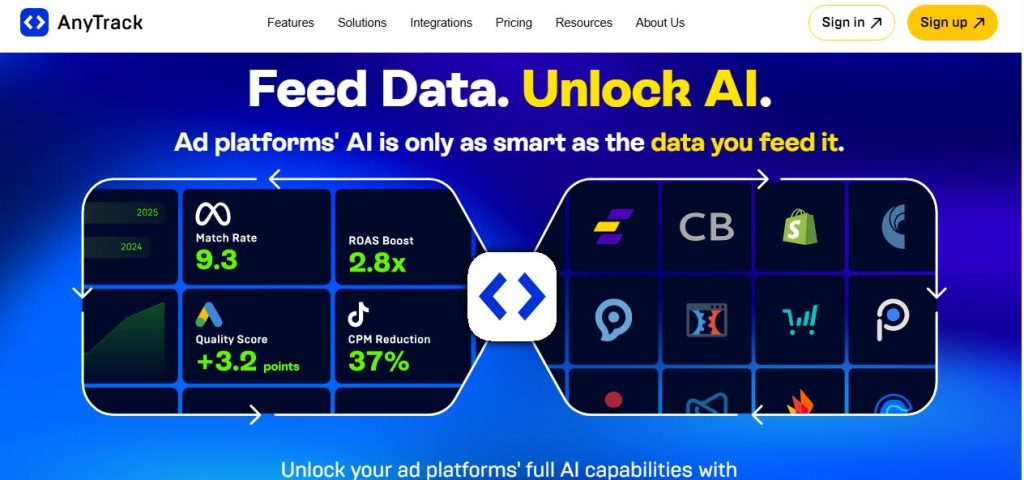
AnyTrack is conversion tracking software that helps affiliate marketers, ecommerce businesses, and online advertisers connect website conversions with advertising platforms. It automates conversion tracking and sends event data to supported marketing tools.
Key Features of AnyTrack
- Automated Conversion Tracking: Track leads, purchases, and other conversion events.
- Conversion API Integrations: Send conversion data to supported advertising platforms.
- Affiliate Tracking: Connect affiliate network conversions with marketing campaigns.
- Analytics Integrations: Share conversion data with supported analytics tools.
- Server-Side Tracking: Improve conversion data collection through supported integrations.
- Campaign Attribution: Connect traffic sources with leads and sales.
- Automated Event Tracking: Reduce manual tracking work by capturing supported events.
AnyTrack Starting Price
AnyTrack offers a free plan. Paid plans include:
- Starter: $100 per month
- Personal: $150 per month
- Advance: $300 per month
Paid plans include a 14-day free trial. An additional charge of $0.30 applies per 1,000 sessions above the included allowance.
Pros and Cons of AnyTrack
Pros
- A genuine free plan for getting started.
- Automatically sends conversion data to supported ad platforms.
- Helps reduce manual tracking setup.
Cons
- Plans are limited by sessions, websites, and advertising integrations.
- Additional session charges can increase costs as traffic grows.
- Larger businesses may need a higher-tier plan.
Who Is AnyTrack Best For?
AnyTrack is best for affiliate marketers, content publishers, and online businesses that want to automate conversion tracking across affiliate networks, websites, and paid campaigns.
11. wecantrack – Best for Affiliate Network Data Tracking
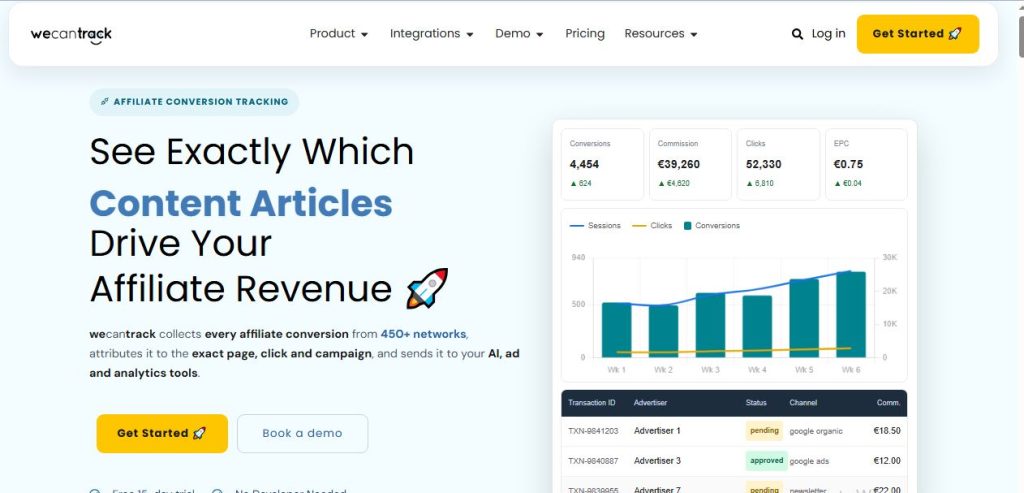
wecantrack is affiliate tracking and analytics software that helps publishers collect conversion data from multiple affiliate networks and connect it with their traffic sources. It helps affiliate marketers understand which websites, campaigns, and channels generate commissions.
Key Features of wecantrack
- Affiliate Conversion Tracking: Collect conversion data from supported affiliate networks.
- Network Integrations: Combine transaction and commission data from multiple affiliate programs.
- Ad Platform Integrations: Send conversion data to supported advertising platforms.
- Google Analytics Integration: Connect affiliate conversion data with website analytics.
- Campaign Attribution: Identify which traffic sources generate affiliate revenue.
- Automated Reporting: Consolidate affiliate performance data into reports.
- Conversion Data Sharing: Send supported conversion events to marketing platforms.
wecantrack Starting Price
wecantrack offers a free tier and several paid plans:
- Small Affiliate: $69 per month
- Medium: €129 per month
- Advanced: €279 per month
- Enterprise: €499 per month
A 15-day free trial is available without requiring payment details upfront.
Pros and Cons of wecantrack
Pros
- Purpose-built for collecting affiliate network data.
- Easy connections to supported affiliate networks.
- Helps consolidate commissions and marketing performance data.
Cons
- It’s not a redirect tracker or traffic distribution system (TDS).
- Each plan limits clicks and transactions.
- May not replace a dedicated campaign tracker for media buyers.
Who Is wecantrack Best For?
wecantrack is best for affiliate publishers, niche website owners, content marketers, and affiliate agencies working with multiple affiliate networks.
12. CPV Lab Pro – Best for Self-Hosted Tracking with Lifetime Licensing
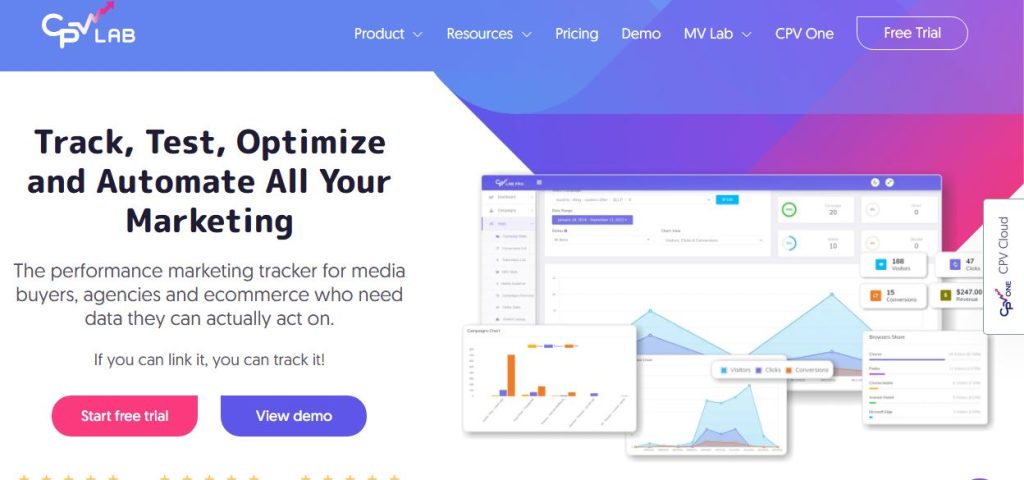
CPV Lab Pro is self-hosted ad tracking software built for affiliate marketers and media buyers who want detailed control over their campaign data. It helps track clicks, conversions, traffic sources, and landing page performance.
Key Features of CPV Lab Pro
- Self-Hosted Tracking: Host your tracking platform on your own server.
- Campaign Tracking: Monitor clicks, conversions, and revenue.
- Traffic Distribution: Route visitors to different landing pages and offers.
- Split Testing: Compare landing pages and offers to improve conversion rates.
- Conversion Tracking: Measure campaign results using supported tracking methods.
- Traffic Filtering: Apply targeting rules and filter unwanted traffic.
- Performance Reporting: Analyze traffic sources, campaign costs, and conversions.
CPV Lab Pro Starting Price
CPV Lab Pro subscription plans start at $48 per month. Lifetime licensing is also available, with the Starter lifetime license priced at $957.
A 14-day trial is available.
Self-hosted users need to pay separately for web server or cloud hosting.
Pros and Cons of CPV Lab Pro
Pros
- No click-based billing fees.
- Lifetime licensing option.
- Gives users control over their tracking infrastructure.
Cons
- Users manage their own servers, updates, and backups.
- Setup requires more technical knowledge than a typical cloud tracker.
- Documentation may be limited for some users.
Who Is CPV Lab Pro Best For?
CPV Lab Pro is best for experienced affiliate marketers, media buyers, and performance advertisers who want self-hosted tracking and greater control over their campaign data.
13. ThriveTracker – Best for Cloud-Based and Self-Hosted Tracking
ThriveTracker is ad tracking software designed for affiliate marketers and media buyers who need to monitor campaign performance and optimize paid traffic. It helps track clicks, conversions, and revenue while testing landing pages and directing visitors toward better-performing offers.
Key Features of ThriveTracker
- Campaign Tracking: Monitor clicks, conversions, and revenue across traffic sources.
- Real-Time Analytics: Review campaign performance and identify trends.
- Traffic Distribution: Route visitors to different landing pages and offers.
- Split Testing: Compare landing pages and offers.
- Conversion Tracking: Measure leads, sales, and other campaign outcomes.
- Traffic Filtering: Apply supported targeting rules and filtering options.
- Campaign Optimization: Use performance data to identify profitable campaigns.
ThriveTracker Starting Price
ThriveTracker offers several plans:
- Cloud Lite: $79.99 per month for 500,000 clicks
- Classic: $134.99 per month for one million clicks
- Pro: $364.99 per month for five million clicks
On the Lite and Classic plans, the bot filter costs an additional $59 and the API costs an additional $49.
A 14-day trial includes up to one million clicks.
Pros and Cons of ThriveTracker
Pros
- AI features are included across plans.
- Offers cloud and self-hosted options.
- Provides tracking plans for different traffic volumes.
Cons
- Clicks are metered by plan.
- Bot filtering and API access cost extra on lower tiers.
- Additional features can increase the total subscription cost.
Who Is ThriveTracker Best For?
ThriveTracker is best for affiliate marketers, media buyers, and performance marketing teams that need detailed campaign analytics, traffic distribution, and landing page testing.
14. ClickFlare – Best for Search Arbitrage Tracking
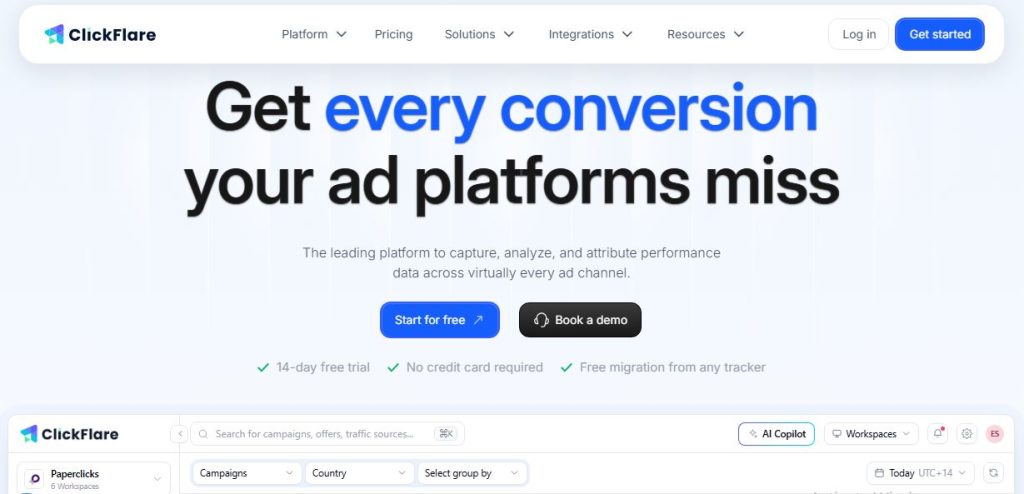
ClickFlare is cloud-based ad tracking software built for affiliate marketers, media buyers, and performance advertisers. It helps track clicks, conversions, costs, and revenue across campaigns so you can identify profitable traffic sources.
Key Features of ClickFlare
- Ad Campaign Tracking: Track campaign performance across multiple traffic sources.
- Conversion Tracking: Measure leads, sales, and other conversion events.
- Real-Time Reporting: Monitor clicks, costs, revenue, and campaign results.
- Traffic Distribution: Direct visitors to different landing pages and offers.
- Automated Optimization: Use supported rules to manage campaigns.
- Conversion APIs: Send supported conversion data to advertising platforms.
- AI Copilot and Routing: Use available AI tools and routing features to assist campaign management.
ClickFlare Starting Price
ClickFlare’s plans include:
- Starter: $89 per month for one million events
- Pro: $169 per month for two million events
- Master: $329 per month
A 14-day free trial is available without a credit card.
Check the official ClickFlare website for current prices and plan limits.
Pros and Cons of ClickFlare
Pros
- Built-in search arbitrage features.
- Advanced Conversion API (CAPI) support.
- AI Copilot and routing features.
Cons
- Fewer advanced automation rules than some competing platforms.
- A more limited set of prebuilt integrations.
- Event limits may require an upgrade as traffic grows.
Who Is ClickFlare Best For?
ClickFlare is best for affiliate marketers, media buyers, and performance marketing agencies that want centralized campaign tracking, conversion reporting, and traffic optimization without maintaining their own tracking servers.
15. PeerClick – Best for iGaming and Performance Marketing
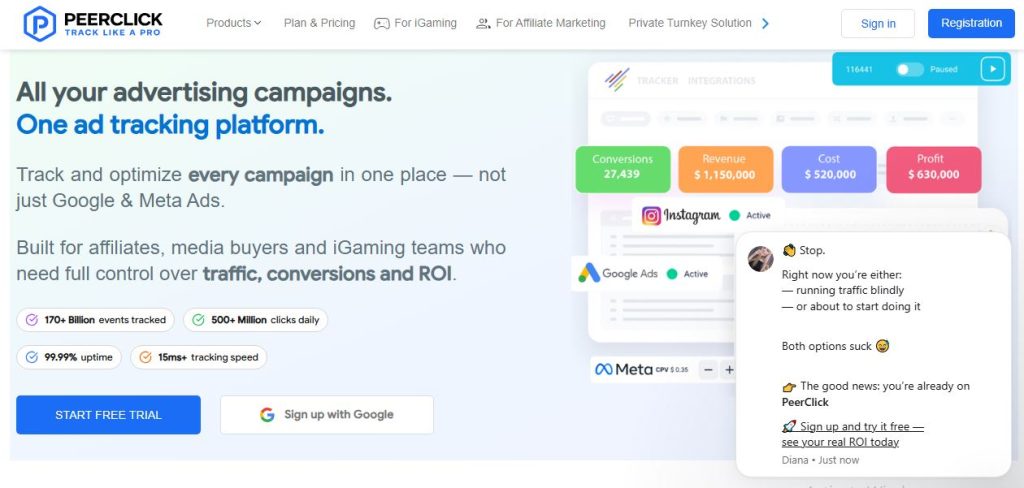
PeerClick is ad tracking software designed for affiliate marketers and media buyers who want to monitor campaign performance, analyze traffic, and optimize advertising results. It helps users track clicks and conversions while managing traffic distribution across landing pages and offers.
Key Features of PeerClick
- Campaign Tracking: Track clicks, conversions, and revenue across campaigns.
- Campaign Analytics: Monitor traffic data and performance trends.
- Traffic Distribution: Route visitors to different landing pages and offers.
- Conversion Tracking: Measure leads, sales, and other conversion events.
- Split Testing: Compare landing pages and offers.
- Traffic Filtering: Apply supported targeting and filtering rules.
- AI-Driven Optimization: Use available optimization features to support campaign management.
PeerClick Starting Price
PeerClick offers several subscription plans:
- Starter: $99 per month
- Basic+: $199 per month
- Advanced: $399 per month
- Exclusive: $849 per month
Annual plans offer discounts of up to 20%. A 14-day free trial with full feature access is available.
Pros and Cons of PeerClick
Pros
- Fast tracking infrastructure.
- Features designed for iGaming campaigns.
- No server maintenance required.
- AI-driven optimization features.
Cons
- Overage costs can increase the total price.
- Some features are restricted to higher-tier plans.
- Higher plans may be expensive for smaller advertisers.
Who Is PeerClick Best For?
PeerClick is best for affiliate marketers, media buyers, and performance advertisers who need campaign tracking, traffic distribution, and conversion analytics.
16. wetracked.io – Best for E-commerce Attribution
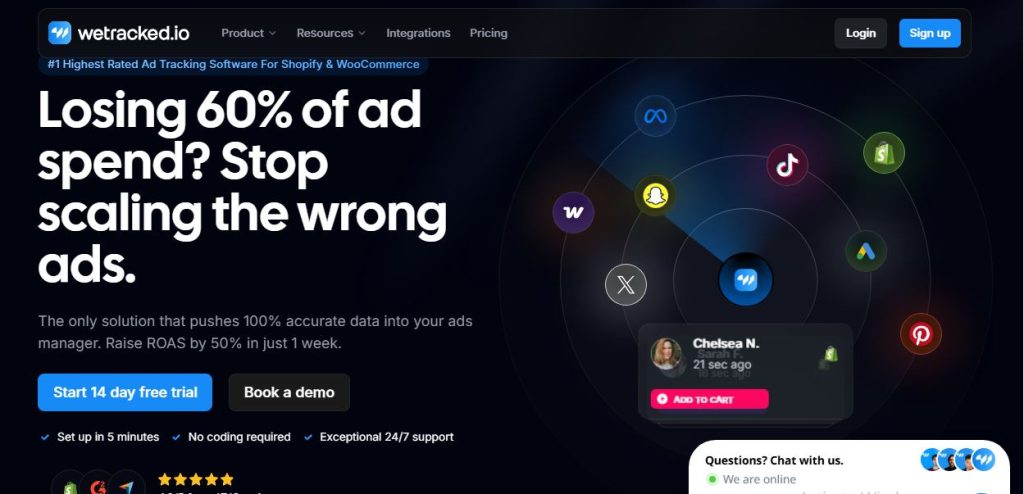
wetracked.io is server-side tracking software designed primarily for Shopify stores and ecommerce brands. It helps businesses collect purchase and conversion data and send it to supported advertising platforms, making it easier to measure campaign performance.
Key Features of wetracked.io
- Server-Side Tracking: Send conversion data directly from the server to supported platforms.
- Shopify Integration: Connect your Shopify store to track orders and purchases.
- Conversion API Integrations: Send conversion events to supported advertising platforms.
- Purchase Tracking: Capture purchase events and connect sales with marketing campaigns.
- Ad Attribution: Improve visibility into which advertising channels generate sales.
- Automated Setup: Simplify conversion tracking without extensive manual configuration.
- Conversion Data Collection: Help capture events that browser-based tracking may miss.
wetracked.io Starting Price
wetracked.io offers three main paid plans:
- Starter: $49 per month for up to 500 orders and three stores
- Business: $149 per month for up to 3,000 orders
- Scale-Up: $249 per month for up to 7,500 orders
- Enterprise: Custom pricing
A 14-day trial and a 60-day money-back guarantee are listed.
Check the official wetracked.io website for current plan limits and terms.
Pros and Cons of wetracked.io
Pros
- Pricing is based on order volume rather than ad spend.
- Simple setup for supported ecommerce stores.
- Focuses on purchase tracking and conversion attribution.
Cons
- Primarily designed for ecommerce businesses.
- Not a redirect tracker or traffic distribution system for affiliate marketers.
- Order limits may require a plan upgrade as sales grow.
Who Is wetracked.io Best For?
wetracked.io is best for Shopify store owners, direct-to-consumer brands, and ecommerce advertisers who want better purchase tracking and conversion data for their advertising campaigns.
17. Trackier – Best for Partner and Affiliate Program Management
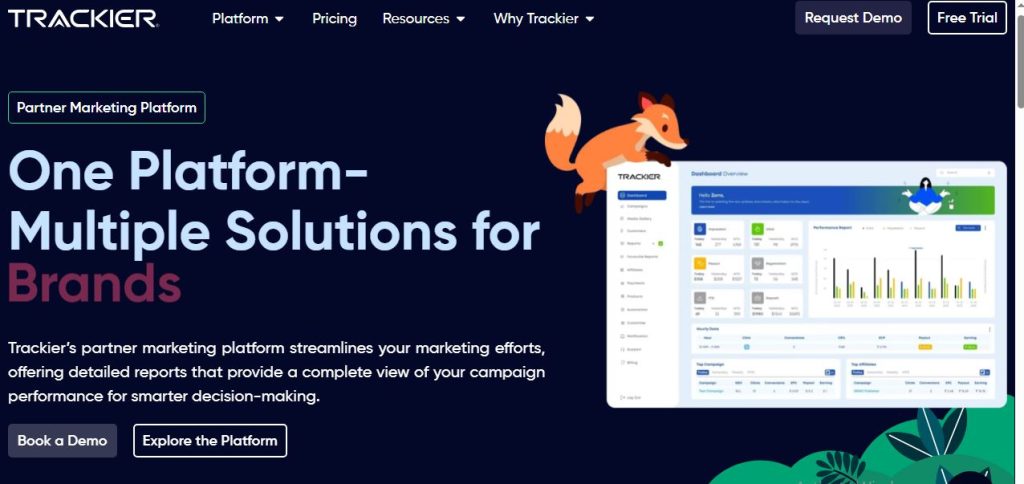
Trackier is performance marketing and partner tracking software designed for affiliate networks, agencies, and businesses managing multiple advertising partners. It helps teams track conversions, manage affiliate campaigns, monitor partner performance, and automate commission tracking.
Key Features of Trackier
- Affiliate Tracking: Track clicks, conversions, and commissions across affiliate campaigns.
- Partner Management: Manage affiliates, publishers, and advertising partners.
- Conversion Tracking: Monitor leads, sales, and other conversion events.
- Fraud Detection: Identify suspicious activity and potentially fraudulent conversions.
- Campaign Analytics: Measure campaign performance and partner-generated revenue.
- Commission Management: Configure commission rules and streamline partner payouts.
- Reporting and Integrations: Generate performance reports and connect supported marketing platforms.
Trackier Starting Price
Trackier’s standard subscription tiers start at approximately $299–$499 per month, with custom packages available for high-volume enterprise brands.
Its hybrid pricing model combines a monthly base fee with usage-based conversion allowances. The Pro plan includes up to 10,000 conversions, while the Agency plan includes up to 40,000 conversions.
A 30-day free trial is available on premium plans.
Pros and Cons of Trackier
Pros
- Strong partner management capabilities.
- Broad tracking coverage for performance marketing.
- Supports affiliate operations and commission management.
Cons
- High starting price compared with basic ad trackers.
- Strict conversion caps can limit usage.
- May be more than a small affiliate marketer needs.
Who Is Trackier Best For?
Trackier is best for affiliate networks, performance marketing agencies, advertisers, and businesses managing partner programs that need affiliate tracking, fraud monitoring, and commission management.
What to Look For in an Ad Tracker Before Choosing
Choosing ad tracking software isn’t just about finding a tool with lots of features. You need one that fits your business, works with your advertising platforms, and gives you the data you need to make better decisions.
Here are the key things to check before paying for a subscription.
1. Tracking Accuracy and Attribution
Your ad tracker should show which campaigns, traffic sources, and ads generate leads and sales. Look for reliable attribution features that help connect marketing activity to actual results.
If you run campaigns across multiple channels, choose a tool that helps you understand how different touchpoints contribute to conversions.
2. Conversion Tracking and Server-Side Tracking
Browser-based tracking can miss some conversion events due to browser restrictions, ad blockers, and consent settings. Server-side tracking and Conversion APIs can help improve data collection when properly configured.
Look for support for the platforms you use, such as Meta Ads, Google Ads, and TikTok Ads.
3. Advertising Platform Integrations
Your tracker should work with your existing advertising accounts, affiliate networks, ecommerce platforms, and analytics tools.
Check whether it supports your main traffic sources, imports advertising costs, and sends conversion events back to your advertising platforms.
4. Real-Time Reporting and Analytics
Look for clear reports showing clicks, conversions, costs, revenue, ROI, and ROAS. Frequently updated reporting helps you spot underperforming campaigns and make faster optimization decisions.
5. Traffic Distribution and Campaign Optimization
If you run multiple landing pages or affiliate offers, traffic distribution can be valuable. It lets you direct visitors to different destinations based on rules such as device, location, or campaign performance.
Some trackers also offer automated rules that help manage campaigns and reduce repetitive work.
6. Click Fraud and Bot Detection
Fake clicks and low-quality traffic can distort your reports and waste advertising spend. Look for tools that identify suspicious traffic, filter bots, and help you investigate unusual activity.
No tracker can eliminate every form of click fraud, so check exactly what each platform detects and blocks.
7. Funnel Tracking and Customer Journey Visibility
Some customers buy after one click, while others interact with multiple ads before purchasing. Funnel tracking helps you understand what happens between the first visit and the final conversion.
If you run webinars, sales funnels, or high-ticket offers, look for tools that track multiple funnel steps and connect leads with eventual sales.
8. Pricing, Tracking Limits, and Scalability
A low starting price doesn’t always mean a tracker is affordable for your business. Some plans limit tracked visitors, events, clicks, orders, or conversions, while others charge based on usage or tracked revenue.
Compare the total cost with your expected traffic volume. If you choose self-hosted software, factor in server costs and maintenance.
9. Ease of Setup, Support, and Data Control
Consider how easily you can connect your ad accounts, configure conversion events, and build reports. Also check customer support, documentation, data retention policies, and hosting options.
If you prefer managing your own infrastructure, self-hosted software may be worth considering. If you’d rather avoid server maintenance, a cloud-based platform may be a better fit.
The bottom line: Choose an ad tracker based on the data you need, the platforms you use, and the complexity of your campaigns. You don’t need every feature available. You need the features that help you understand performance and spend your budget more effectively.
Choosing the Right Ad Tracker: Practical Scenarios
The best ad tracking software depends on how you run your business. An affiliate marketer tracking dozens of offers has different needs from a Shopify store measuring purchases or an agency managing campaigns for multiple clients.
Here’s how to narrow down your options.
Best Ad Tracker for Beginners and Small Budgets
Best options: BeMob and ClickMagick.
BeMob is worth considering if you want to start with a free plan and track affiliate campaigns without managing your own server. ClickMagick is a good alternative if you need link tracking, conversion measurement, and split testing in one tool.
Best Ad Tracker for Affiliate Marketers and Media Buyers
Best options: Voluum, RedTrack, and ClickFlare.
These platforms offer campaign tracking and conversion analytics for paid traffic. Compare their integrations, reporting features, and tracking limits to find the right fit for your campaigns.
Best Ad Tracker for High-Volume Paid Traffic Campaigns
Best options: Voluum, Binom, and ThriveTracker.
Voluum offers cloud-based tracking and campaign automation. Binom is worth considering if you prefer self-hosted tracking and greater control over your infrastructure. ThriveTracker is another option for affiliate marketers who need campaign analytics and traffic distribution.
Best Ad Tracker for Ecommerce Brands and Shopify Stores
Best options: Triple Whale and wetracked.io.
Triple Whale focuses on ecommerce analytics, attribution, and profitability. wetracked.io focuses on server-side tracking and purchase conversion data, particularly for Shopify stores.
Best Ad Tracker for High-Ticket Sales and Long Customer Journeys
Best option: HYROS.
HYROS focuses on revenue attribution and customer journey tracking, making it worth considering for businesses that rely on lead generation, phone calls, and longer sales cycles.
Best Ad Tracker for Agencies and Affiliate Networks
Best option: Trackier.
Trackier is designed for performance marketing and partner programs, with features for affiliate tracking, campaign analytics, and commission management.
Best Ad Tracker for Self-Hosting and Data Control
Best options: Binom and CPV Lab Pro.
Both are worth considering if you want self-hosted campaign tracking. Compare their licensing costs, server requirements, reporting capabilities, and maintenance needs before deciding.
Best Ad Tracker for Complex Funnels and Traffic Distribution
Best option: FunnelFlux Pro.
FunnelFlux Pro is worth considering if you want to visualize customer journeys, manage multi-step funnels, and control how traffic moves between different destinations.
How to make your final choice: Start with your business model, then shortlist two or three tools that match your needs. Compare their actual plan limits, integrations, and total costs. Test them with a real campaign whenever possible.
Final Verdict: Which Ad Tracking Software Should You Choose?
The best ad tracking software is the one that fits your business model, advertising channels, and budget. You don’t need the most expensive platform or a tool packed with features you’ll never use. You need accurate data that helps you understand what’s working and where your money is going.
If you’re an affiliate marketer, Voluum, RedTrack, and ClickFlare are worth comparing for campaign tracking and optimization. If you’re just getting started, BeMob and ClickMagick offer useful options for tracking clicks and conversions.
For ecommerce brands, Triple Whale and wetracked.io focus on connecting advertising activity with store sales. If you run a high-ticket business with a longer sales cycle, HYROS is worth a closer look.
For self-hosted tracking, consider Binom or CPV Lab Pro. If you manage affiliate networks or partner programs, Trackier may be a better fit.
Before you subscribe, compare pricing, tracking limits, integrations, and the reporting features you actually need. Test your shortlisted tools with real campaigns whenever possible.
Remember, even the best tracker won’t fix a weak offer or an ineffective ad. But with reliable conversion data, you’ll have a clearer picture of what’s working, what needs improvement, and where to invest your advertising budget next.
FAQs About Ad Tracking Software
1. What Is Ad Tracking Software?
Ad tracking software helps you measure how people interact with your ads and what happens after they click. It tracks metrics such as clicks, conversions, leads, sales, and revenue, helping you identify which campaigns deliver the best results.
2. What Is the Best Ad Tracking Software in 2026?
The best option depends on your needs. Voluum, RedTrack, and ClickFlare are worth considering for affiliate marketing and paid traffic campaigns. Triple Whale is geared toward ecommerce analytics, while HYROS focuses on revenue attribution for businesses with longer sales cycles.
Compare features, integrations, tracking limits, and pricing before choosing.
3. What Is the Best Free Ad Tracker?
BeMob offers a free plan with 100,000 tracking events per month. AnyTrack also offers a free plan with limited usage. Check their current limits to see whether they cover your tracking needs.
4. Which Ad Tracking Software Is Best for Affiliate Marketing?
Voluum, RedTrack, ClickMagick, BeMob, and ClickFlare are options to compare for affiliate campaign tracking. Look for affiliate network integrations, conversion tracking, traffic distribution, and reporting features that match your campaigns.
5. Which Ad Tracking Software Is Best for Ecommerce?
Triple Whale is designed for ecommerce analytics and profitability reporting, particularly for Shopify brands. wetracked.io is another option for Shopify stores that want server-side conversion tracking.
Your choice should depend on your ecommerce platform, advertising channels, and attribution needs.
6. What Is the Difference Between Ad Tracking and Attribution Software?
Ad tracking measures activity such as clicks, impressions, and conversions. Attribution software helps determine which ads, channels, or customer interactions contributed to a conversion.
Many modern platforms offer both capabilities, so you may not need separate tools.
7. Do I Need an Ad Tracker If I Already Use Google Analytics?
Google Analytics can track website traffic, events, and conversions, but a dedicated ad tracker may offer additional features such as affiliate link tracking, traffic distribution, campaign automation, and specialized attribution reporting.
Whether you need one depends on your advertising setup and the gaps in your current reporting.
8. How Much Does Ad Tracking Software Cost?
Pricing varies by platform and usage. Some tools offer free plans, while paid subscriptions may cost tens or hundreds of dollars per month. Enterprise platforms may require custom quotes.
Check visitor, event, click, order, or conversion limits, additional usage charges, and hosting costs before comparing prices.
9. Can Ad Tracking Software Track Facebook, Google, and TikTok Ads?
Many ad tracking platforms support integrations with Meta Ads, Google Ads, and TikTok Ads, but capabilities vary. Some can import advertising costs, while others can send conversion events through platform APIs.
Check each tool’s current integrations and setup requirements to ensure it supports the advertising channels you use.