
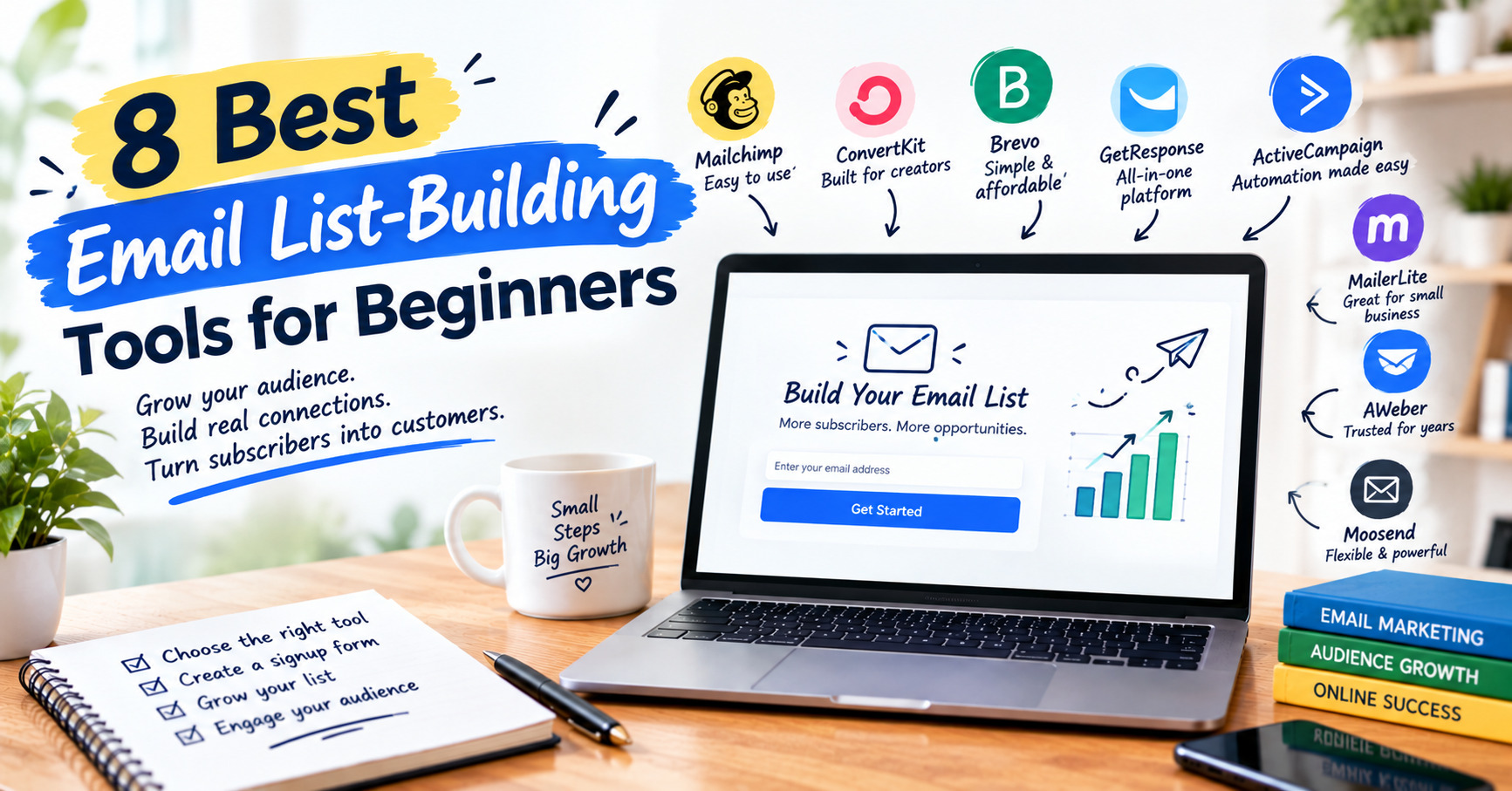
Building an email list is one of the smartest moves you can make online, but only if you start with the right tool. This guide covers the best email list-building tools for beginners, so you can skip the trial and error and pick a platform that fits your goals and budget. Unlike social media followers, your subscribers are an audience you own, and no algorithm change can take them away.
The problem is that there are dozens of email marketing platforms, each with its own pricing tiers, features and jargon. If you’re new to email marketing, it’s easy to feel stuck before you’ve sent a single message. Some tools are built for newsletters, others for funnels or online courses. Choosing the wrong one can mean paying too much, or migrating your list later.
In this guide, I compare eight beginner-friendly options: Systeme.io, GetResponse, AWeber, Kit, ActiveCampaign, MailerLite, Mailchimp and beehiiv. For each, you’ll see the key features, starting price and who it suits best, including options with free email marketing software plans.
By the end, you’ll know which tool can help you grow your email list with confidence.
Disclosure: Some links in this article are affiliate links. If you sign up through them, I may earn a commission at no extra cost to you.
Best Email List-Building Tools for Beginners Quick Comparison Table
Short on time? This table shows how the eight email marketing platforms compare at a glance. Prices are starting prices for paid plans and can change, so check each tool’s pricing page before you buy.
| Tool | Starting price | Free plan | Landing pages | Automation | Best for |
|---|---|---|---|---|---|
| Systeme.io | $17/mo | Yes | Yes | Good | All-in-one funnels, email and courses |
| GetResponse | $19/mo | No (14-day trial) | Yes | Strong (Starter: 1 workflow) | Landing pages and webinars |
| AWeber | $12.50/mo annual ($15 monthly) | Yes (500 subscribers) | Yes | Basic | Support and simplicity |
| Kit | $39/mo ($33 annual) | Yes (10,000 subscribers) | Yes | Paid plans only | Creators and course sellers |
| ActiveCampaign | $15/mo annual ($19 monthly) | No (14-day trial) | Higher tiers | Advanced | Serious automation and CRM |
| MailerLite | ~$10/mo ($9 annual) | Yes (limits vary) | Yes | Good (lighter than ActiveCampaign) | Complete beginners on a budget |
| Mailchimp | $13/mo | Yes (250 contacts) | Yes | Paid plans only | Familiar brand and integrations |
| beehiiv | $43-49/mo | Yes (2,500 subscribers) | Yes | Paid plans only | Newsletter publishers |
Quick takeaways:
- Biggest free plan: Kit (up to 10,000 subscribers, but no visual automations)
- Best free email marketing software with basic automation: Systeme.io or MailerLite
- Best all-in-one for beginners: Systeme.io
- Best for automation: ActiveCampaign, GetResponse
- Best for creators: Kit
- Best newsletter platform: beehiiv
What to Look for in Email List Building Software
Before comparing individual tools, it helps to know what actually matters when you’re starting out. Beginners often pick the platform with the longest feature list, then use about 10% of it. These six criteria will keep you focused on what counts.
1. Ease of use and setup time
You should be able to create an account, build a signup form and send your first email within an hour or two. Look for a clean dashboard, a drag-and-drop editor and clear onboarding. If you need a tutorial for every step, the tool is too complex for now.
2. A free plan or low entry price
When your list has zero subscribers, you shouldn’t be paying $50 a month. Many platforms offer free email marketing software plans with limits on contacts or features, which is enough to test the waters. Check what happens when you outgrow the free tier, since some plans jump sharply in price.
3. Landing pages and email signup forms
List building starts with capturing emails. A good tool includes a landing page builder and customizable email signup forms (embedded, popup or inline) so you don’t need extra software. Check that forms look good on mobile, where most signups happen.
4. Email marketing automation
Automation is what makes a list work while you sleep. At minimum, you want an email autoresponder that sends a welcome message the moment someone subscribes. More advanced tools let you trigger emails based on clicks, tags or purchases, which becomes valuable as your list grows.
5. Deliverability and templates
A great email is useless if it lands in spam. Look for platforms with a solid reputation for deliverability, plus professional templates so your emails look polished without design skills. Support and clear documentation help here too.
6. Pricing that scales
Most platforms charge based on subscriber count, so your bill grows with your list. If you’re comparing email marketing tools for small business use, estimate your costs at 1,000, 5,000 and 10,000 subscribers, not just today. A cheap starter plan that doubles in price at 2,500 contacts isn’t really cheap.
Quick checklist:
- Can I set it up in an hour?
- Is there a usable free or low-cost plan?
- Does it include forms and landing pages?
- Can I automate a welcome email?
- What will it cost when my list grows?
The 8 Best Email Marketing Platforms for Beginners
1. Systeme.io: Best All-in-One Email List Building Software
If you want email list building software that also handles funnels, courses and affiliate programs, Systeme.io is hard to beat for the price. It combines email marketing, landing pages, a funnel builder, a blog and even membership hosting in a single dashboard. For beginners, that means no stitching together five separate tools and paying for each one.
Its biggest draw is the pricing. It has a permanent free plan, no transaction fees on sales, and a flat price structure instead of charging more as your subscriber count grows. That can save serious money once your list gets large. The trade-offs are a less polished design than some competitors and some limits, such as pages that can’t be exported and basic plans with restricted API access. For most beginners these won’t matter at first, but they’re worth knowing before you build everything inside one platform.
Key features
- Drag-and-drop funnel and landing page builder
- Email campaigns and automation rules (workflows)
- Tagging and contact segmentation
- A/B testing for pages and emails
- Course and membership hosting
- Built-in affiliate program management
- Blog and website builder with custom domains
- One-click upsells and 0% transaction fees
Pros
- Free forever plan, no credit card needed
- Fixed pricing that doesn’t climb with list size
- Free migration and onboarding help for new users
Cons
- Pages can load slower than average
- Pages can’t be imported or exported
- Design options are more limited than dedicated page builders
Starting price: Free plan available. Paid plans start at $17/month (Startup), with higher tiers at $47/month (Webinar) and $97/month (Unlimited). There’s also a 14-day free trial on paid plans.
Best for: Beginners who want funnels, email and courses in one budget-friendly tool.
Start with Systeme.io’s free plan →
2. GetResponse: Best for Landing Pages and Webinars

GetResponse is one of the more established email marketing platforms, and it has grown into an all-in-one marketing suite. Alongside newsletters and autoresponders, it includes a landing page builder, signup forms, a website builder and webinar hosting. For beginners who expect to move beyond basic emails, that range lets you start simple and add tools without switching platforms.
The interface is friendly, and the starter tools cover what most new list builders need: a welcome email series, signup forms and popups, and AI-assisted email writing. The catch is that advanced features, such as complex automation and e-commerce tools, sit on higher-priced plans. The entry-level Starter plan is limited to one automation workflow, so you may outgrow it quickly if you want more than a welcome sequence.
Key features
- Drag-and-drop email editor with templates
- Landing page builder
- Signup forms and popups
- Autoresponders and welcome email series
- Automation workflows (more on higher plans)
- Webinar hosting
- AI email and content generators
- A/B testing, segmentation and analytics
Pros
- Landing pages, forms and email in one platform
- Webinars built in, which most beginner tools lack
- 24/7 support and free onboarding
Cons
- Starter plan limits you to one automation workflow
- Price rises with your contact count
- Advanced features need higher-tier plans
Starting price: Paid plans start at $19/month for 1,000 contacts on the Starter plan. A 14-day free trial is available.
Best for: Marketers who want email, landing pages and webinars in one platform.
Try GetResponse free for 14 days →
3. AWeber: Best Email Autoresponder with Strong Support
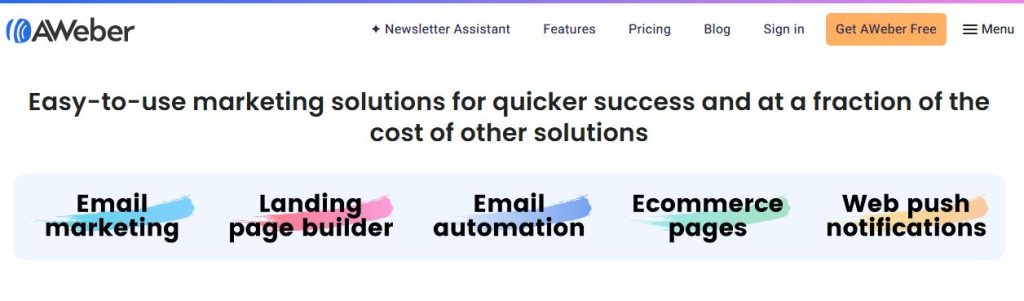
AWeber is one of the oldest names in email marketing, and its reputation rests on reliability and hands-on support. If you want a dependable email autoresponder that sends a welcome message the moment someone subscribes, AWeber handles it without a steep learning curve. It also includes landing pages, signup forms and a large template library, so you can start collecting subscribers on day one.
It’s a good fit for beginners who value support over a long feature list. AWeber offers a permanent free plan for up to 500 subscribers, plus customer support that is easier to reach than at many competitors. The downsides are an interface that feels dated next to newer tools like MailerLite, and automation that is simpler than ActiveCampaign’s. AWeber also raised prices for some long-time customers in late 2024, so check current rates before you commit.
Key features
- Drag-and-drop email builder
- Autoresponders and welcome sequences
- Landing page builder
- Signup forms
- Large template library
- Tagging and segmentation
- Stock image library and Canva integration
- Customer support (chat, email and phone)
Pros
- Permanent free plan for small lists
- Responsive, beginner-friendly support
- Simple to set up and use
Cons
- Interface feels dated
- Automation is basic compared with advanced tools
- Free and Lite plans keep AWeber branding and cap some features
Starting price: AWeber has a free plan (up to 500 subscribers, 3,000 emails a month), then paid plans from $12.50/month on Lite with annual billing ($15 monthly). Plus is $30/month billed monthly, or about $20/month with annual billing.
Best for: Beginners who value support and simplicity over cutting-edge features.
Start with AWeber’s free plan →
4. Kit (formerly ConvertKit): Best for Creators Who Want to Grow Their Email List
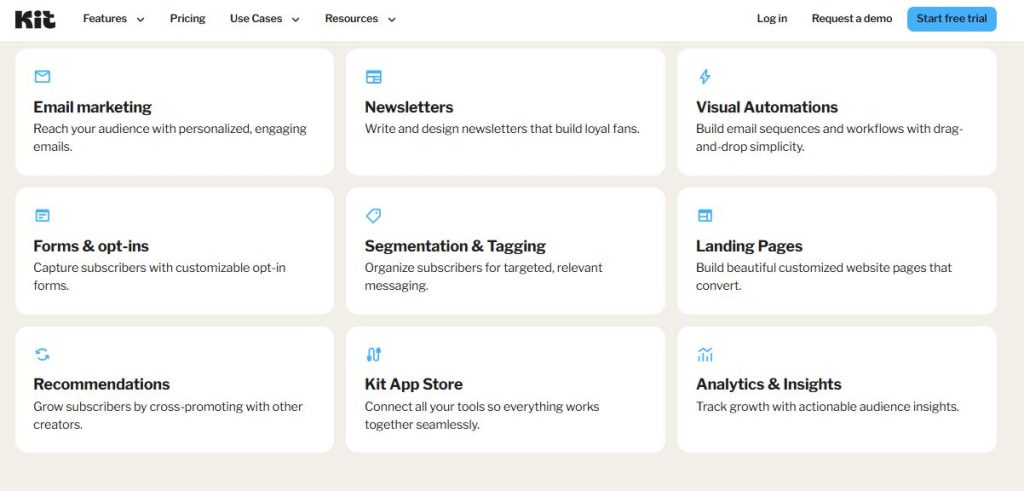
Kit, formerly ConvertKit, is built for creators: bloggers, YouTubers, podcasters, coaches and course sellers. Its core strength is helping you grow your email list. Landing pages and signup forms are quick to set up, and the tagging system lets you segment subscribers by what they clicked or signed up for without complicated rules.
Its free Newsletter plan supports up to 10,000 subscribers, which is unusually generous for beginners. The catch is that the free plan leaves out visual automations and sequences, so you’ll need a paid plan once you want automated welcome series. Kit also raised its paid prices in 2026, and costs climb with subscriber count. Emails stay plain and personal rather than template-heavy, which suits creators but may disappoint if you want designed newsletters.
Key features
- Landing pages and signup forms
- Visual automation builder (paid plans)
- Email sequences (paid plans)
- Tag-based subscriber management and segmentation
- Sell digital products and paid newsletters
- Creator Network and recommendations to grow your list
- Simple, text-focused email editor
- Integrations with creator tools (paid plans)
Pros
- Free plan covers up to 10,000 subscribers
- Built around creator needs: products, newsletters and recommendations
- Easy tagging and segmentation
Cons
- Free plan has no visual automations or integrations
- Paid plans get pricey as your list grows
- Fewer design templates than competitors
Starting price: Free Newsletter plan for up to 10,000 subscribers. Paid plans start at $39/month for 1,000 subscribers on Creator, or about $33/month billed annually. The Pro plan starts at $79/month.
Best for: Bloggers, YouTubers and course creators who want to grow an audience.
5. ActiveCampaign: Best for Email Marketing Automation
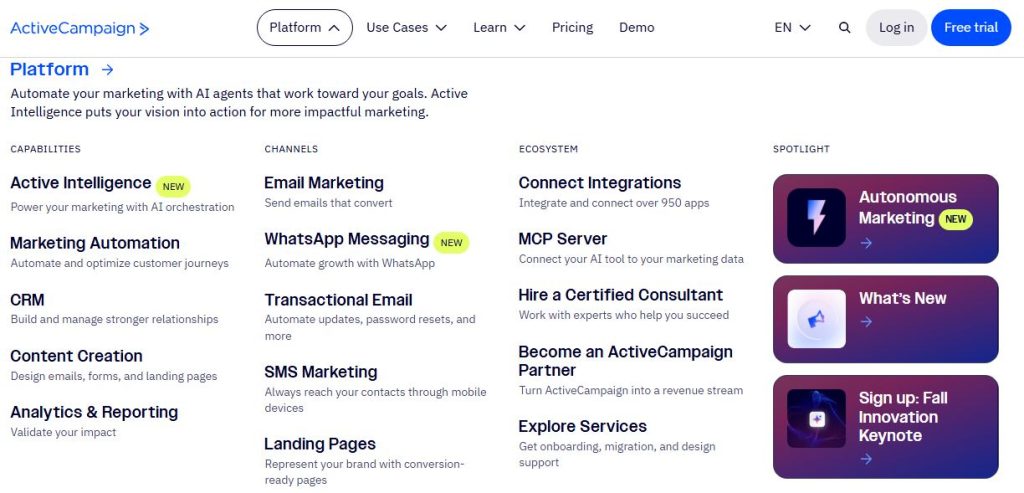
ActiveCampaign is known for one thing above all: email marketing automation. Its visual automation builder lets you trigger emails based on what subscribers do, such as clicking a link, visiting a page or joining a segment. It also includes site tracking, segmentation and a CRM, so it covers more ground than most beginner tools.
That power comes with a steeper learning curve and no permanent free plan, only a 14-day trial. It suits beginners who already know they’ll need funnels and behavior-based emails, and who would rather grow into one platform than migrate later. If you only need a simple newsletter and a welcome email, a cheaper and simpler tool is usually a better start. Reviewers also flag two issues with the Starter plan: it is limited in automation depth, and costs climb quickly as your contact count grows.
Key features
- Visual automation builder
- Email campaigns, A/B testing and templates
- Segmentation and tagging
- Site and event tracking
- Signup forms
- Built-in marketing CRM (the depth varies by plan)
- Landing pages (on higher tiers)
- Hundreds of integrations
Pros
- Among the most powerful automation tools at this price
- Scales from simple emails to full funnels
- Free onboarding, plus a 14-day trial and 30-day money-back guarantee
Cons
- No free plan
- Steeper learning curve for beginners
- Costs rise quickly as your list grows, and Starter limits automation
Starting price: Plans start at $15/month for 1,000 contacts on Starter when billed annually, or $19/month month-to-month. Plus is $49/month annually, Pro $79/month and Enterprise $145/month. There is a 14-day free trial.
Best for: Beginners who want serious automation and plan to grow into funnels and a CRM.
6. MailerLite: Best Free Email Marketing Software for Beginners
MailerLite is a clean, easy-to-learn platform that consistently ranks as one of the friendliest options for complete beginners. The editor is simple, the dashboard isn’t cluttered, and you can build signup forms, landing pages and a basic welcome automation without a tutorial. If you want free email marketing software to test the waters before spending money, it’s a natural place to start.
It also keeps costs reasonable as your list grows, and support is responsive, with live chat and email on paid plans. The main downside is that its automation and reporting are lighter than ActiveCampaign’s, so it’s better suited to newsletters and straightforward funnels than complex behavior-based sequences. One caution: MailerLite appears to have changed its plans in 2026. Some sources describe a free plan for 500 subscribers, while others report a smaller 250-subscriber limit and renamed paid tiers. Check the live pricing page before you sign up.
Key features
- Drag-and-drop email editor
- Landing pages and a simple website builder
- Signup forms and popups
- Automation workflows (welcome sequences and more)
- Subscriber segmentation
- A/B testing (paid plans)
- Newsletter and email templates
- Sell digital products (paid plans)
Pros
- Free plan to test the platform
- Very easy to use
- Competitive pricing as your list grows
Cons
- Free plan has limits (subscribers, emails and branding)
- Automation is lighter than top competitors
- 2026 plan changes make pricing details confusing
Starting price: Free plan available. Paid plans start at about $10/month for 500 subscribers ($9 billed annually). Higher tiers cost more as your list grows, for example around $73/month at 10,000 subscribers according to one source.
Best for: Complete beginners who want ease of use at a low price.
7. Mailchimp: Best-Known Platform, With Caveats
Mailchimp is the most recognizable name in email marketing, and for many beginners it’s the first tool they try. It offers a large template library, a drag-and-drop editor, signup forms, landing pages and a huge marketplace of integrations. If you want a platform you can find tutorials for on every topic, Mailchimp has the biggest community.
It has become harder to recommend as a beginner pick, though. In January 2026, Mailchimp cut its free plan to 250 contacts and 500 emails a month, and automation workflows are now limited to paying customers. Prices were also raised again in April 2026, and costs climb steeply as your list grows (around $75/month for Essentials at 5,000 contacts). If you’re searching for Mailchimp alternatives, those changes are the main reason. It still makes sense if you want a familiar brand, strong integrations and a very small list to start.
Key features
- Drag-and-drop email builder with a large template library
- Signup forms and landing pages
- Basic automation (paid plans only)
- Audience segmentation (advanced segmentation needs higher plans)
- A/B testing and scheduling (paid plans)
- Reporting and analytics
- AI content tools
- Large integration marketplace
Pros
- Familiar brand with a huge template library and integrations
- Easy to start, with a permanent free plan
- Good educational resources and a large user community
Cons
- Free plan is now very limited (250 contacts, 500 emails a month)
- Automation isn’t included on the free plan
- Prices rise quickly as your list grows
Starting price: Free plan (250 contacts, 500 emails a month). Paid plans start at $13/month for 500 contacts on Essentials. Standard starts at $20/month and Premium at $350/month. There is a 14-day free trial on paid plans.
Best for: Beginners with a very small list who want a familiar brand and strong integrations.
8. Beehiiv: Best Newsletter Platform for Writers
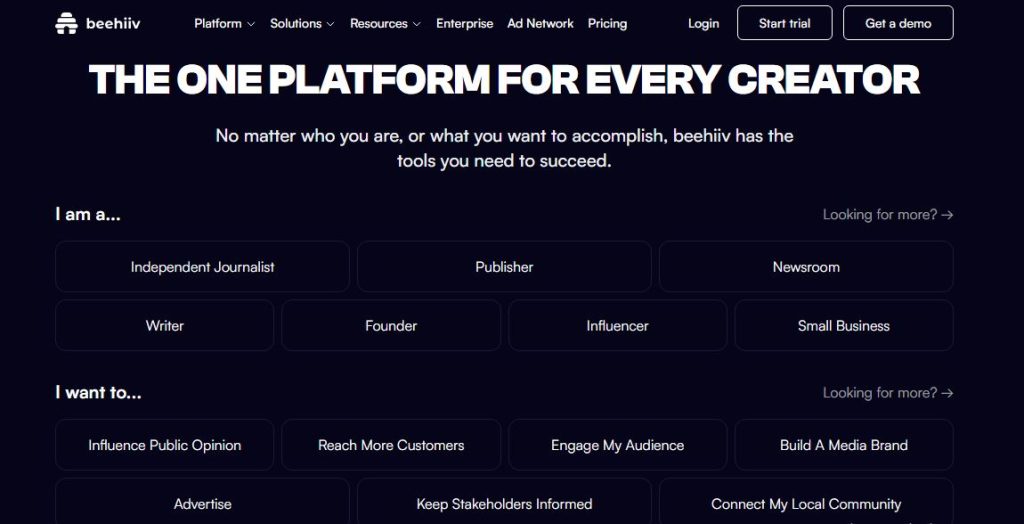
beehiiv is a newsletter platform built to grow and monetize an audience. Rather than general business marketing, it focuses on what newsletter publishers need: a clean writing editor, a built-in website and archive, a referral program to turn subscribers into promoters, and recommendation tools that help you gain new readers from other newsletters.
Its free Launch plan covers up to 2,500 subscribers with unlimited email sends, which is plenty to test a newsletter idea. The trade-off is that monetization features, such as the ad network, paid subscriptions and custom domains, sit behind the paid Scale plan, and the free plan doesn’t include email automations. That makes it less suited to funnels or product marketing. It’s a strong pick if your list is the newsletter.
Key features
- Newsletter editor with templates
- Built-in website and post archive
- Referral program to grow subscribers
- Recommendation network and Boosts (cross-promotion, paid plans for Boosts)
- Ad network for sponsorships (Scale and up)
- Paid subscriptions (Scale and up)
- Segmentation and campaign analytics
- Podcast hosting and signup forms
Pros
- Free plan for up to 2,500 subscribers with unlimited sends
- Strong built-in growth and monetization tools
- Clean, writer-friendly editor
Cons
- Monetization features require a paid plan
- No email automations on the free plan
- Not built for general marketing funnels
Starting price: Free Launch plan for up to 2,500 subscribers. Paid plans start at $49/month for Scale, or about $43/month billed annually. Max starts at $109/month ($96 annually).
Best for: Writers and creators launching and monetizing a newsletter.
How to Choose the Right Email List-Building Tool
There’s no single best tool, only the best fit for your goals, budget and technical comfort. Work through these four questions and you’ll narrow the eight options to one or two.
1. What are you building: a newsletter, a business or a creator brand?
- A newsletter: beehiiv is built for this. Kit also works well if you want to sell products later.
- A blog or creator brand: Kit is designed for bloggers, YouTubers and course sellers.
- A small business or online store: GetResponse, AWeber or MailerLite cover the basics for most email marketing tools for small business use.
- Funnels, courses and email in one place: Systeme.io.
2. How much do you want to spend right now?
- $0: Kit (up to 10,000 subscribers), beehiiv (up to 2,500), AWeber (up to 500), Systeme.io and MailerLite all have free plans. Check the limits, because they change often.
- Under $20/month: MailerLite, AWeber Lite, ActiveCampaign Starter and Systeme.io’s Startup plan are the cheapest paid options.
- Willing to invest: ActiveCampaign, GetResponse and Kit’s paid plans cost more but offer more automation or growth tools.
Free plans often leave out automation. If you want a welcome email series on day one, check that it’s included before you commit. That matters for Kit, beehiiv and Mailchimp in particular.
3. How much automation do you need?
- Just a welcome email and newsletters: MailerLite, AWeber or the free tiers will do.
- Behavior-based sequences and a CRM: ActiveCampaign is the strongest option, though it has a steeper learning curve.
- A middle ground: GetResponse and Systeme.io offer solid automation without the complexity.
4. Will you outgrow it?
Most platforms charge by subscriber count, so costs rise as your list grows. Systeme.io’s flat pricing is the exception worth noting. Estimate your bill at 1,000, 5,000 and 10,000 subscribers before you commit, and remember that switching later means migrating your list and rebuilding automations.
Quick Picks by Goal
| If you want… | Choose |
|---|---|
| The biggest free plan | Kit |
| An all-in-one platform on a budget | Systeme.io |
| The easiest tool for complete beginners | MailerLite |
| Landing pages, automations and webinars | GetResponse |
| Strong support and simplicity | AWeber |
| Advanced automation | ActiveCampaign |
| The best newsletter platform | beehiiv |
| A familiar brand with big integrations | Mailchimp |
Looking for Mailchimp alternatives?
If Mailchimp’s smaller free plan and rising prices put you off, MailerLite, Kit and AWeber are the closest swaps. MailerLite offers the easiest transition, Kit gives you the biggest free plan, and AWeber matches Mailchimp on simplicity and support.
Still not sure?
Start with a free plan or free trial from your top two picks, build a signup form and send a test welcome email in each. The one that feels less like a chore is usually the right one.
Want a quick recommendation? Try Systeme.io for an all-in-one platform on a budget, AWeber for support and simplicity, or GetResponse for landing pages and webinars.
How to Build an Email List: 5 Beginner Steps
Picking a tool is only the first step. Here’s how to build an email list from scratch, even if you’re starting with zero subscribers.
Step 1: Choose your tool and set up your account
Pick one platform from the list above and sign up for its free plan or trial. Don’t spend weeks comparing. If you want an easy place to start, Systeme.io has a free plan with no credit card required. Connect your sending domain or email address if the tool asks, and add your name and address to the footer, since email laws require it.
Step 2: Create a lead magnet
People rarely give you their email for nothing, so offer something valuable in return. A good lead magnet solves one specific problem quickly. Here are some lead magnet ideas:
- A checklist or cheat sheet: “10-Point Blog Launch Checklist”
- A template or swipe file: email scripts, content calendars or budget sheets
- A mini-guide or short PDF: a quick-win guide on a narrow topic
- A short email course: a 5-day series delivered by autoresponder
- A discount or free trial: best for products and online stores
Keep it narrow. A focused freebie usually converts better than a broad ebook.
Step 3: Set up a landing page and email signup forms
Create a dedicated landing page for your lead magnet, with a headline, three or four benefit bullets and one clear signup button. Then add email signup forms where people already visit:
- At the end of blog posts or inside the content
- In your website header, footer or sidebar
- As a popup or slide-in (use sparingly)
- In your social media bios, linking to your landing page
Check how everything looks on mobile, since most signups happen on phones.
Step 4: Set up a welcome sequence
When someone subscribes, send the lead magnet immediately, then follow up with two or three short emails over the next week. A simple sequence works well:
- Email 1 (instant): Deliver the freebie and say thanks
- Email 2 (day 2): Introduce yourself and share your best tip
- Email 3 (day 5): Point to your most useful content or offer
Remember that some free plans don’t include automations, so check your tool before you build this.
Step 5: Promote it and track results
Now grow your email list by sending people to your landing page consistently:
- Link to it in your blog posts, social posts and videos
- Offer content upgrades, which are bonus downloads tied to specific articles
- Mention it in guest posts, podcasts or collaborations
Watch three numbers: landing page conversion rate (visitors who subscribe), open rate and unsubscribe rate. If few visitors convert, change the headline or lead magnet before adding more traffic.
Quick tip: Aim to send a regular email, even a short one, at least every one or two weeks. Subscribers forget you if you stay silent for months.
Conclusion
Building an email list doesn’t have to be complicated, and you don’t need the most advanced platform to start. The best email list-building tool for beginners is the one you’ll actually use, so pick based on your goal and budget rather than the longest feature list.
Here’s the short version of our picks:
- Easiest to learn: MailerLite
- Biggest free plan: Kit
- Best all-in-one on a budget: Systeme.io
- Best for landing pages and webinars: GetResponse
- Best for support and simplicity: AWeber
- Best for advanced automation: ActiveCampaign
- Best newsletter platform: beehiiv
- Familiar brand with big integrations: Mailchimp
Whichever email marketing platform you choose, the tool is only part of the equation. A focused lead magnet, a clear landing page and a simple welcome sequence will do more to grow your email list than any feature on a pricing page. Start small, send consistently, and upgrade only when your list outgrows the free plan.
Ready to start? Pick one or two tools from this list, sign up for a free plan or trial, and build your first signup form today. Your first subscriber is closer than you think.
- Start free with Systeme.io → (all-in-one, free plan)
- Start free with AWeber → (simple, with strong support)
- Try GetResponse free for 14 days → (landing pages and webinars)
Pricing and plan limits change often, so check each tool’s website for the latest details before you sign up.
FAQs
1. What is the best email list-building tool for beginners?
The best tool depends on your goal. MailerLite is the easiest to learn, Kit has the biggest free plan for creators, Systeme.io is the best all-in-one budget option, and beehiiv suits newsletter publishers. If you’re unsure, start with the free plan of one of these.
2. Is there free email marketing software for beginners?
Yes. Kit (up to 10,000 subscribers), beehiiv (up to 2,500), AWeber (up to 500), Mailchimp (250 contacts) and Systeme.io all have free plans, and MailerLite has one with limits that vary. Free plans often exclude automation and keep the tool’s branding on your emails, so check the limits before you commit.
3. How do I build an email list from scratch?
Pick an email tool, create a lead magnet (a checklist, template or mini-guide), and set up a landing page and signup forms. Then add a welcome email sequence and promote your landing page through your blog, social media and other content. Send regular emails so subscribers stay engaged.
4. How much does email marketing cost for beginners?
You can start for $0 on a free plan. Paid plans typically start around $10-$20 per month, such as MailerLite, AWeber Lite, ActiveCampaign Starter or Systeme.io’s Startup plan. Costs rise with your subscriber count, so estimate your bill at 1,000, 5,000 and 10,000 subscribers.
5. Do I need a landing page to build an email list?
No, but it helps. You can collect emails with a signup form on your website or blog. A dedicated landing page focuses on one offer and usually converts better, especially when you send traffic from social media or ads. Most beginner tools include a landing page builder.
6. Which is better for beginners, Mailchimp or MailerLite?
For most beginners, MailerLite is the better choice. It is easier to learn and generally cheaper as your list grows, while Mailchimp’s free plan has been cut to 250 contacts and 500 emails a month, with automation limited to paid plans. Mailchimp still has more integrations and a larger user community.
7. What are the best Mailchimp alternatives?
MailerLite, Kit and AWeber are the closest alternatives for beginners. MailerLite is the easiest switch, Kit gives you the largest free plan, and AWeber offers strong support and simple automation. If you want funnels and courses too, look at Systeme.io.