
ThriveCart and Stripe aren’t quite direct competitors. Stripe is payment processing infrastructure — it moves the money. ThriveCart is a checkout and funnel platform that handles order bumps, upsells, and affiliate management, and it often runs on top of a payment processor like Stripe rather than replacing it.
If you’re searching “ThriveCart vs Stripe,” you’re probably trying to figure out whether you need a dedicated cart tool at all, or whether Stripe alone can handle your checkout. This guide breaks down what each one actually does, how they work together, and which setup fits your business.
ThriveCart vs Stripe: Feature Comparison Table
| Feature | ThriveCart | Stripe |
|---|---|---|
| What it is | Checkout/cart & funnel platform | Payment processing infrastructure |
| Pre-built checkout pages | Yes | Stripe Checkout / Payment Links (basic), full custom build otherwise |
| Order bumps & upsell funnels | Yes, built-in | Requires custom development |
| Affiliate management | Yes, built-in | No |
| Subscription/dunning management | Yes | Yes (Billing product) |
| Course/community hosting | Yes (ThriveCart Academy) | No |
| Coding/dev required | No | Depends (Checkout = no-code; full integration = yes) |
| Processing fees | 0% | 2.9% + 30¢ per domestic transaction |
| Pricing model | Monthly plans or $495 lifetime license | Pay-as-you-go, no monthly platform fee |
Features and pricing change, so confirm current details on each vendor’s website before you buy.
What Is ThriveCart?
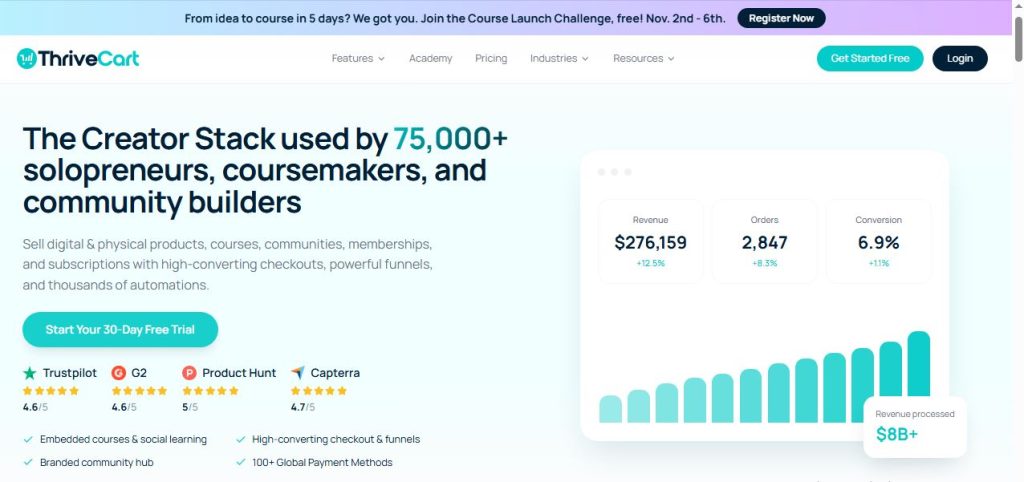
ThriveCart is a checkout and sales platform built to help you sell courses, coaching, SaaS, and digital products with high-converting checkout pages, order bumps, and upsell funnels. It’s best known for offering a one-time lifetime license instead of a recurring subscription, though it introduced monthly plans in 2026 as well.
Key Features of ThriveCart
- Checkout page builder: Create high-converting, customizable checkout pages without touching code.
- Order bumps and upsell funnels: Add one-click upsells, downsells, and bump offers to increase average order value.
- Built-in affiliate center: Recruit and manage affiliates to promote your products directly from ThriveCart.
- ThriveCart Academy: Every plan bundles course and community hosting alongside checkout tools.
- Flexible pricing: Choose monthly billing or the still-available one-time lifetime license for the Standard plan.
What Is Stripe?
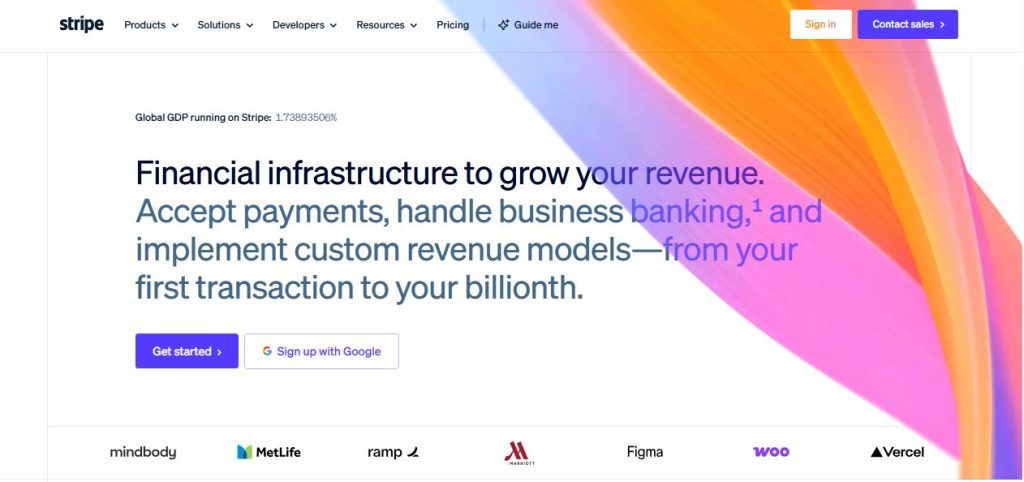
Stripe is a payment processing platform that lets businesses accept and manage online payments. Rather than a checkout builder, it’s the infrastructure underneath checkout: it moves money between customer and merchant, handles recurring billing, and gives developers the tools to build custom payment flows.
Key Features of Stripe
- Payments: Accept 100+ payment methods across 135+ currencies in a single integration.
- Checkout: A prebuilt, hosted payment form you can launch quickly with minimal setup.
- Payment Links: Generate no-code payment links to sell without building a website.
- Billing: Manage recurring subscriptions, invoicing, and dunning for failed payments.
- Elements: Flexible UI components for developers who want a fully custom checkout experience.
- Radar: Built-in, AI-powered fraud detection included with standard payments pricing.
How They Actually Work Together
For most readers comparing these two, it’s not really an either/or decision. ThriveCart doesn’t process payments itself. It connects to a payment gateway, and Stripe is one of the most common choices. So a typical setup looks like this: ThriveCart handles your checkout page, order bumps, upsells, and affiliate tracking, while Stripe handles the actual movement of money behind the scenes.
The real decision isn’t “ThriveCart or Stripe.” It’s whether you need ThriveCart’s funnel and affiliate layer on top of Stripe, or whether Stripe’s own Checkout and Payment Links are enough on their own.
ThriveCart vs Stripe: Checkout Experience Compared
ThriveCart gives you a dedicated checkout builder with templates designed specifically around conversion: order bumps, one-click upsells, and downsell sequences built in.
Stripe offers two no-code checkout options of its own — Stripe Checkout (a prebuilt, hosted payment form) and Payment Links (shareable links you can generate without a website). Both are easy to launch, but neither includes funnel features like bump offers or upsell sequences out of the box. Building that experience on Stripe alone means custom development with Stripe’s Elements components.
If you want funnel-style checkout without building anything yourself, ThriveCart is the faster path. If you’re comfortable with a simpler, single-step checkout, Stripe’s own tools may be all you need.
ThriveCart vs Stripe: Funnels, Upsells, and Affiliate Tools
This is where the two platforms diverge most clearly. ThriveCart was built around this exact use case — order bumps, one-click upsells, downsells, and a built-in affiliate center to recruit and pay partners who promote your products.
Stripe has none of this natively. It’s designed to process payments, not run a sales funnel. If you want upsells or affiliate tracking on Stripe alone, you’d need to build it yourself or add a separate tool.
ThriveCart vs Stripe: Developer Flexibility
Stripe’s strength is its API-first design. If you want a fully custom checkout experience — matched exactly to your brand, with your own logic for pricing, discounts, or upsells — Stripe’s Elements and API give developers that flexibility.
ThriveCart takes the opposite approach: no-code templates built for speed, with less flexibility for custom-coded checkout experiences. For most course creators and coaches without a development team, that trade-off favors ThriveCart. For SaaS companies or teams with engineering resources who want full control, Stripe’s flexibility may be worth the extra build time.
ThriveCart vs Stripe: Subscription Billing Compared
Both platforms support recurring billing and dunning management for failed payments.
ThriveCart’s subscription tools are built into its checkout flow, aimed at creators selling memberships, courses, or recurring coaching programs. Stripe Billing is a dedicated product for recurring revenue, with usage-based billing, smart retries, and invoicing — a common choice for SaaS businesses with more complex billing needs.
ThriveCart vs Stripe: Pricing Compared
ThriveCart pricing:
- Standard: $47/month, or $37/month billed annually
- Pro+: $87/month, or $67/month billed annually
- A $495 one-time lifetime license is still available for the Standard plan
- ThriveCart charges 0% in processing fees — its only cost is the license price
Stripe pricing:
- No monthly or setup fee on standard pricing
- 2.9% + 30¢ per successful domestic card transaction
- Additional fees apply for international cards (+1.5%), currency conversion (+1%), and optional products like Billing (0.7% of billing volume) or Tax
- Custom pricing is available for high-volume businesses
Most people using ThriveCart still pay their connected gateway’s processing fees on top of the ThriveCart license, since ThriveCart handles the checkout experience but relies on a processor like Stripe to move the money.
ThriveCart vs Stripe Pros and Cons
ThriveCart Pros
- Built-in order bumps, upsells, and affiliate management
- No-code setup, fast to launch
- Option of a one-time lifetime license
- 0% processing fee from ThriveCart itself
ThriveCart Cons
- Less flexibility for fully custom checkout builds
- Still requires a connected payment gateway for processing
- Recently changed its core pricing model, so some online content is now outdated
Stripe Pros
- No platform or monthly fee, pay only per transaction
- Full developer flexibility for custom checkout experiences
- Broad global payment method and currency support
- Built-in fraud protection with Radar
Stripe Cons
- No native funnel, upsell, or affiliate features
- Custom checkout builds require development resources
- More setup effort if you want a conversion-optimized checkout without a third-party tool
Who Should Use ThriveCart (with Stripe as the Gateway)?
- Course creators and coaches who want funnels, bumps, and affiliate tools without building anything
- Sellers who want a no-code checkout experience optimized for conversion
- Anyone who wants a one-time pricing option instead of ongoing subscription costs
Who Should Use Stripe Alone?
- Developers or SaaS teams building a fully custom checkout flow
- Businesses that don’t need funnel or affiliate features
- Teams that want to avoid a separate platform fee and only pay per transaction
Alternatives
| Tool | Best for |
|---|---|
| Systeme | All-in-one marketing platform with built-in checkout |
| SamCart | Simple checkout pages for course creators and coaches |
| Kajabi Checkout | All-in-one course platform with built-in checkout |
Comparing checkout platforms? See our ThriveCart vs PayKickstart breakdown.
Final Verdict
Choose ThriveCart if you want a no-code checkout experience with built-in order bumps, upsells, and affiliate management, and you don’t want to build any of that yourself. Choose Stripe alone if you’re a developer or SaaS team that wants full control over a custom checkout flow and doesn’t need funnel or affiliate features.
For many creators, the real answer is both: ThriveCart as the checkout and funnel layer, with Stripe running underneath as the payment gateway.
Frequently Asked Questions
Does ThriveCart use Stripe?
Yes. ThriveCart connects to payment gateways like Stripe, PayPal, and others to process payments. ThriveCart itself handles the checkout, funnel, and affiliate layer on top.
Can I use ThriveCart without Stripe?
Yes. ThriveCart supports multiple payment gateways, so you can connect PayPal, Authorize.net, or other supported processors instead of Stripe.
Is Stripe cheaper than ThriveCart?
It depends on what you need. Stripe has no platform fee, just a per-transaction cost. ThriveCart charges a license fee but adds no processing fee of its own. If you only need basic payment processing, Stripe alone is cheaper. If you want built-in funnels and affiliate tools, ThriveCart’s license cost buys you features you’d otherwise have to build.
Do I need both ThriveCart and Stripe?
Many ThriveCart users do use Stripe as their payment gateway behind the scenes. ThriveCart isn’t a replacement for a payment processor — it’s a checkout and funnel layer that still needs a connected gateway to move money.